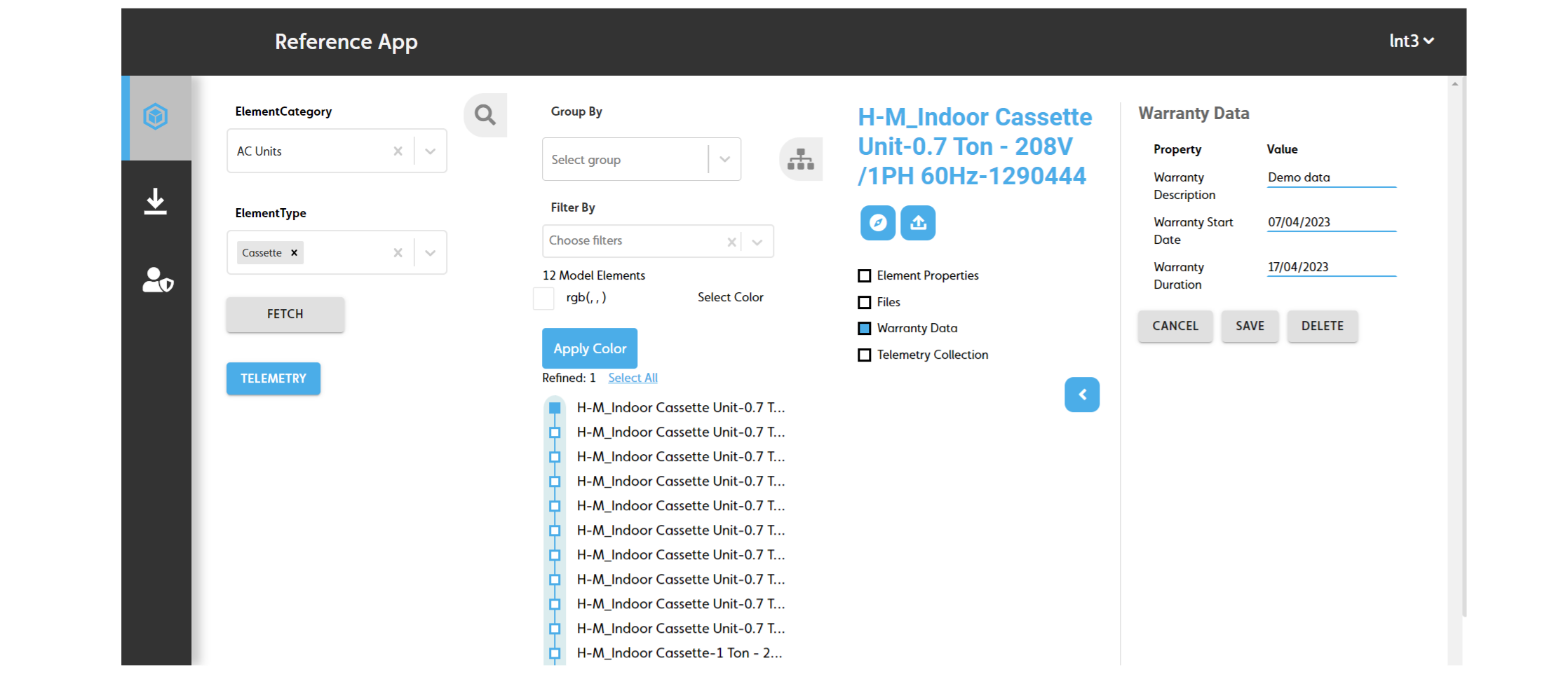
Editing or delete an element's warranty data
To edit or delete an element's warranty data, do the following:
- Load the elements with the warranty data you want to edit or delete. For more information, see Browsing the model elements.
- On the Model Elements pane, click the element with the warranty data you want to edit or delete.
- On the Related Items pane, click the Warranty Data checkbox.
- Complete one of the following options:
- To delete the warranty data, click DELETE.
- To edit the warranty data, edit the following fields, then click SAVE:
- Warranty Description: Edit the warranty description.
- Warranty Start Date: Edit the warranty start date.
- Warranty Duration: Edit the warranty end date.
Figure: Edit or delete warranty data panes