Datasources Service overview
Build data pipelines for your digital twin application, using Orchestrators, to get data from different sources, process the data and then store it, with the option to create relationships with existing data. Build your Orchestrator with system components and schedule them with Orchestrator schedules.
Orchestrators#
To create a data pipeline, use an Orchestrator to sequence and manage the tasks you require in the data pipeline. An Orchestrator is a JSON object and the tasks it manages are pre-defined system components you reference and configure.
Figure: Orchestrator with system components
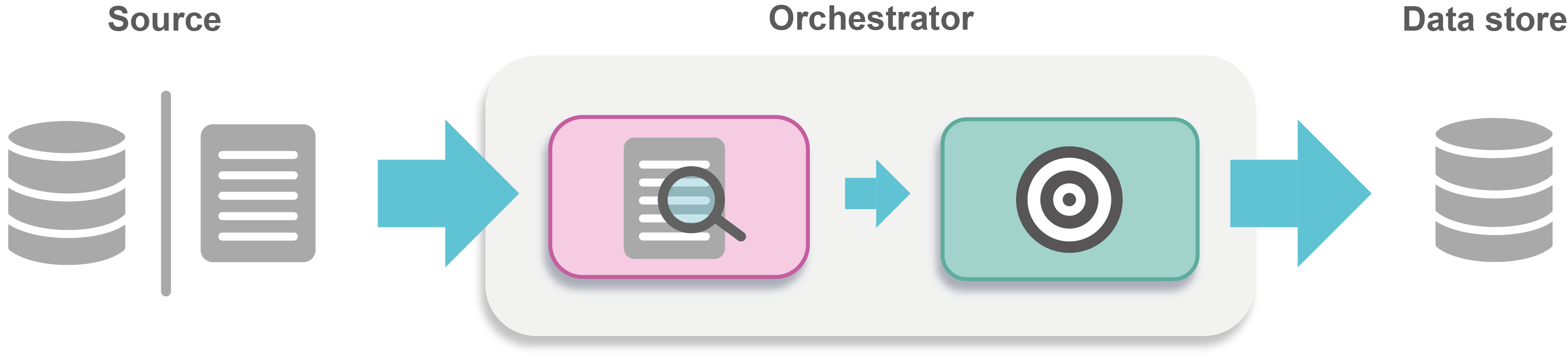
To define an Orchestrator, see Orchestrators. To schedule an Orchestrator, see Orchestrator schedules.
System components#
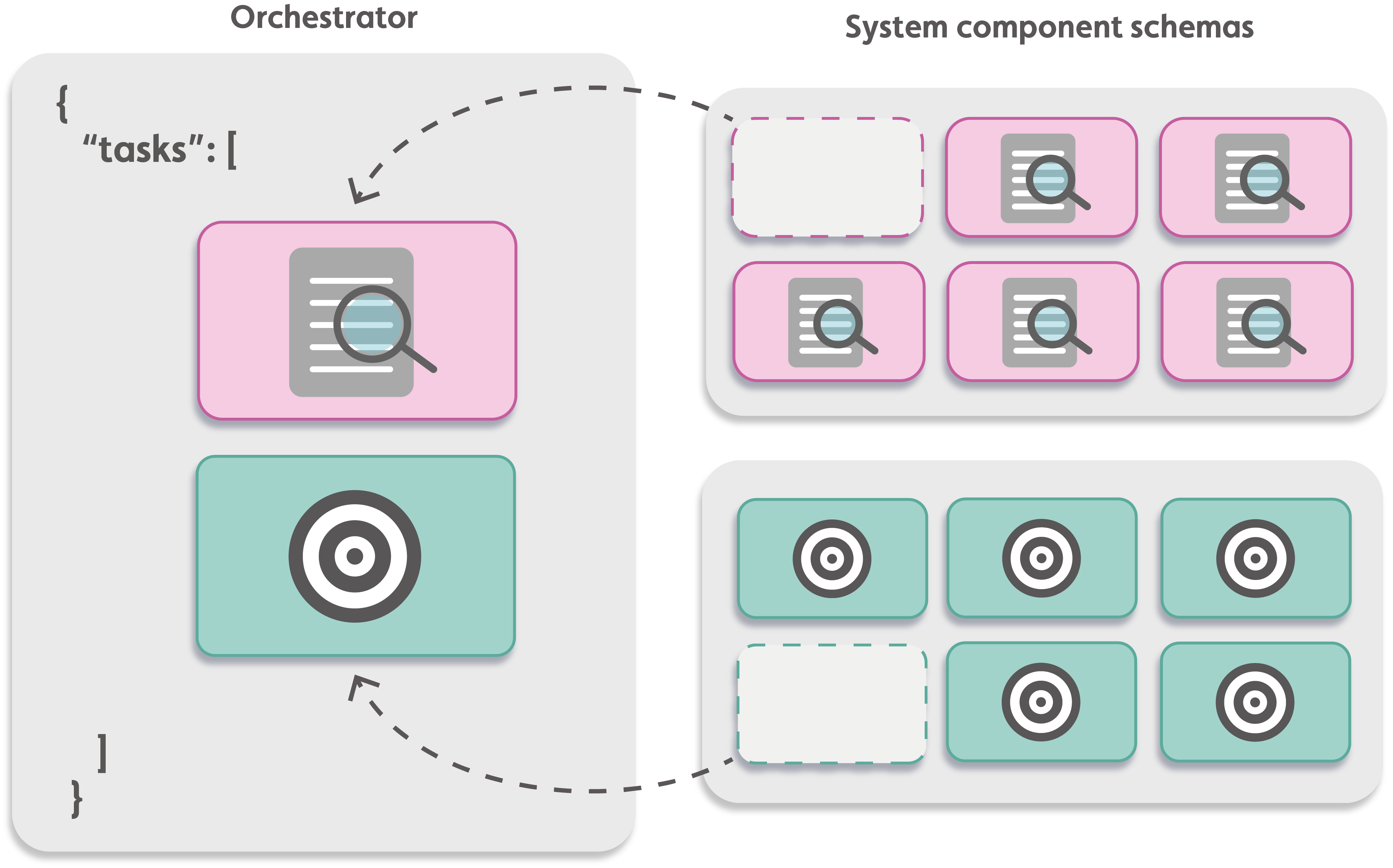
There are two types of system components:
- Connectors: Read data from a source
- Targets: Store data in a data store with the option to process that data before storage
Simply take a system component schema and use it in your Orchestrator. You can then give it a sequence number, default parameters and values, and a descriptive name based on its function in your Orchestrator.
Note: When you execute an Orchestrator, you can overwrite the default parameter values without changing the Orchestrator's configuration.
Figure: System component references in an Orchestrator
Interfacing with the Datasources Service#
You can interface with the Datasources Service with the Datasources Service REST API or the IafDataSource JavaScript API.