NamedUserCollection
A NamedUserCollection is a collection of RelatedItems—it is the most commonly used NamedUserItem sub-type. NamedUserCollections and their RelatedItems are similar to database tables and their records. NamedUserCollections support single, compound, text and unique indexes.
Figure: Building elements NamedUserCollection diagram
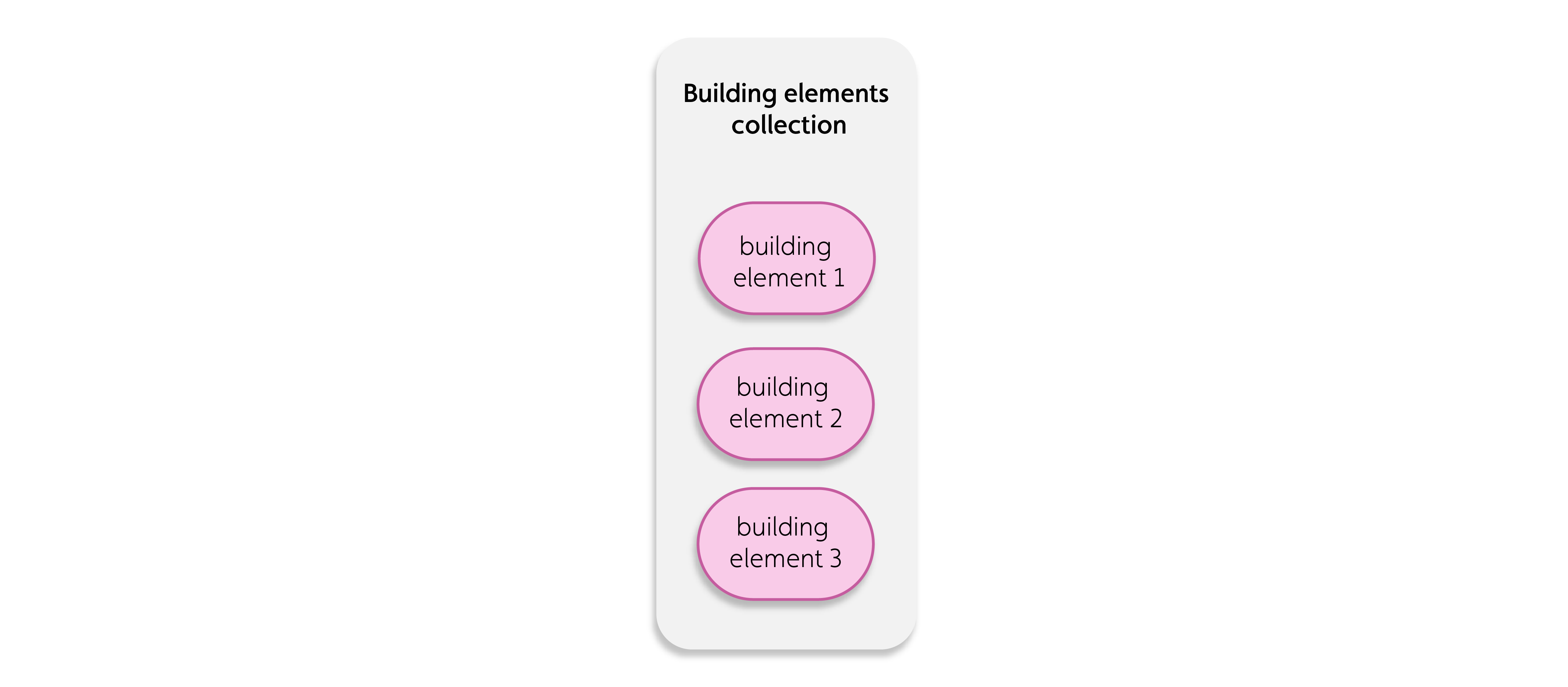
For more information, see the following example code of a NamedUserCollection with its mandatory properties only:
{ "_id": "1e7433c4-a3de-4c15-b8fb-657c1d9b814c", "_name": "Building elements collection", "_userType": "building_elem_col", // A short custom name to describe the collection "_itemClass": "NamedUserCollection", // Enter NamedUserCollection}Revit model data example#
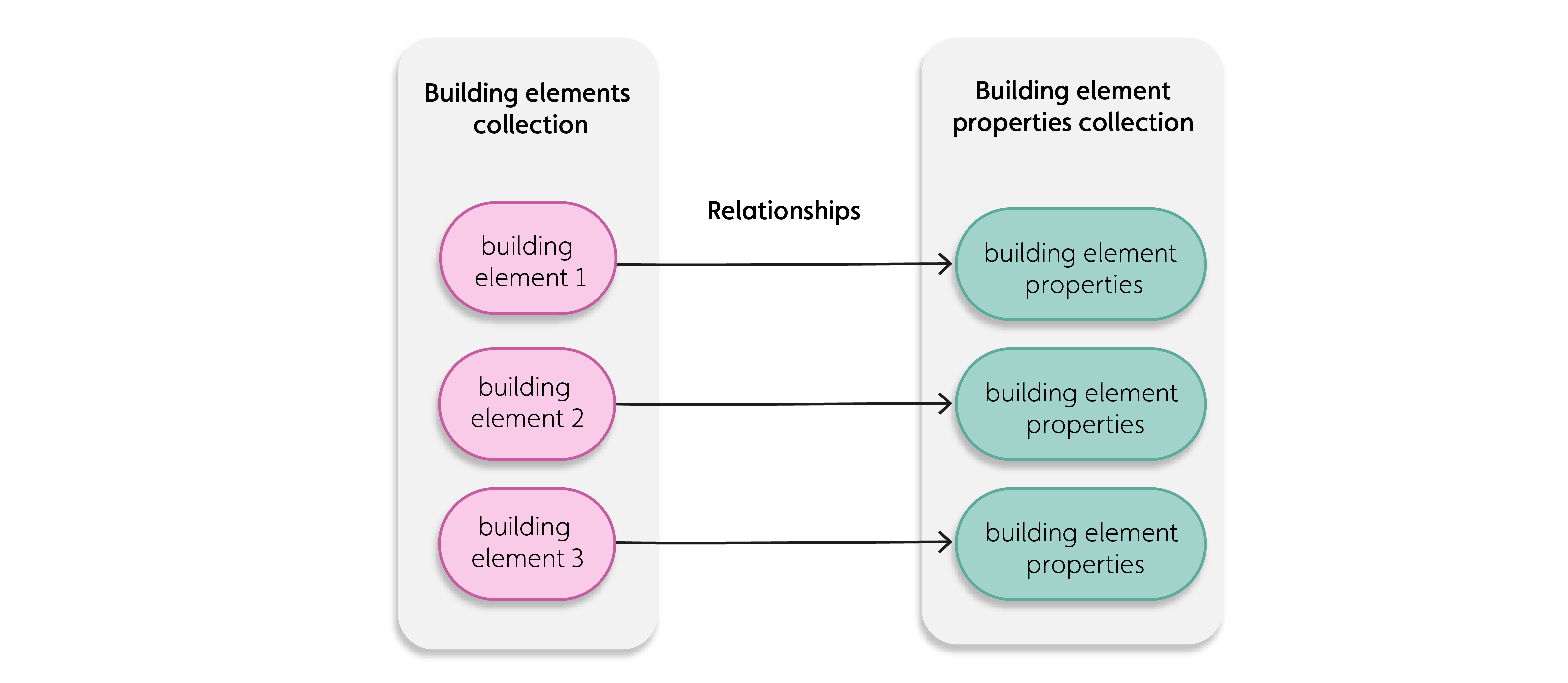
For the example of using imported Revit model data, you can store the building elements as RelatedItems in a NamedUserCollection you call ‘Building Elements’. Similarly, you can store the building element properties as RelatedItems in a NamedUserCollection you call ‘Element Properties’, where each RelatedItem contains all the properties of a single building element.
The following figure shows an example of how you can organize Revit model data into NamedUserCollections, RelatedItems, and relationships:
Support For encryption#
The Item Service supports encryption for related items, using the standard encryption key. This feature was introduced in version 4.3 and is supported in the NamedUserCollection using the field _encryptionEnabled.
When this field is set to "True", any related items in the NamedUserCollection that are prefixed with a dot (".") will be encrypted before being stored in the database. These related items will then be decrypted when retrieved from the database.
Using the encryption field#
The _encryptionEnabled field can be edited and works as follows:
- When
_encryptionEnabledis set to "True", encryption and decryption will be enabled. - When
_encryptionEnabledis set to "False" or is given no value, then encryption and decryption will not be used.
Notes on encryption#
Note the following when using this feature:
- The encryption field can be a first level of RelatedItem JSON.
- This feature is best suited for securely storing secrets in the database.
- A field which is encrypted (perfixed with .) cannot be used in searches. This improves security for storing and retrieving sensitive information.
Example of using encryption#
In the sample code, below, we have a Related Item, where the api_secret field is preceeded with a . which indicates that this field is to be encrypted. This field cannot be used in a search.
Original Related Item:
{ "_id":"6530c3852b4b7812d3486f72", "api_host": "https://xxxxxxxx.companyx.com", "api_key":"345df45ffddsfdf4554545dfdf44", ".api_secret":"gfE3PRIz7kB4vKUhrBRTgzSaqL5Fvk9FD6TXMgphuNFgNTvtYd6HKjEQz4NKYIMg"} Related Item as Stored in Database:
{ "_id":"6530c3852b4b7812d3486f72", "api_host": "https://xxxxxxxx.companyx.com", "api_key":"345df45ffddsfdf4554545dfdf44", ".api_secret":"Z2ZFM1BSSXo3a0I0dktVaHJCUlRnelNhcUw1RnZrOUZENlZ2ZFM1BSSXo3a0I0dktVaHJCUlRnelNhcUw1RnZrOUZENlRYTWdwaHVORmdOVHZ0WWQ2SEtqRVF6NE5LWUlNZw==RYTWdwaHVORmdOVHZ0WWQ2SEtqRVF6NE5LWUlNZw=="}Note that the api_secret information is now encrypted.
Related Item When Retrieved from Database:
{ "_id":"6530c3852b4b7812d3486f72", "api_host": "https://xxxxxxxx.companyx.com", "api_key":"345df45ffddsfdf4554545dfdf44", ".api_secret":"gfE3PRIz7kB4vKUhrBRTgzSaqL5Fvk9FD6TXMgphuNFgNTvtYd6HKjEQz4NKYIMg"}In this example, clients can search by the fields api_host and api_key but not by .api_secret because that field is encrypted. If an unauthorized person got direct access to the database they would not be able to obtain information about that secret.
Further reading#
Refer to Named User Collections in the Rest API section for more information on using the encryption feature.
Schema#
NamedUserCollection schemaAPI#
You can create and manage NamedUserCollection with the IafItemSvc JavaScript Platform API or the Item Service REST API.