Plug-in main user interface
Overview
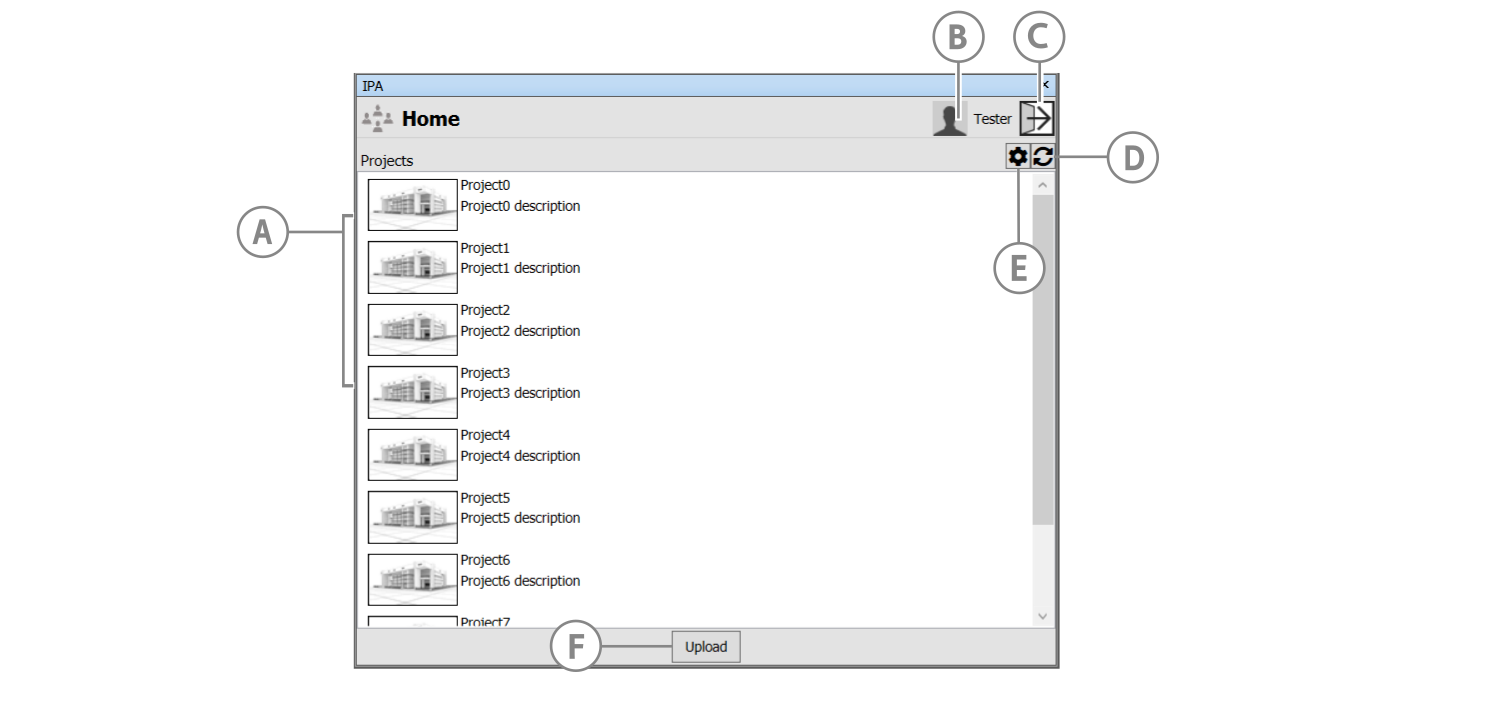
The Navisworks IPA plug-in main user interface is shown in the screen image below.
Figure: Navisworks IPA plug-in user interface
Guide to UI elements
| Callout | Icon | Description |
|---|---|---|
| A | Projects | Displays available projects in selected Platform Application. If your project is newly added and doesn't appear, please refresh the project list. |
| B | Logged in user | Displays the logged in user. |
| C | Logout icon | Click to log out of the plug-in. |
| D | Refresh icon | Click to refresh the project list. |
| E | Export settings icon | Click to configure export settings. |
| F | Upload button | Click to export and upload the model. |