Home page
The home page is the default page that displays when a user logs in. The home page consists of a page layout and defined actions.
Figure: Home page
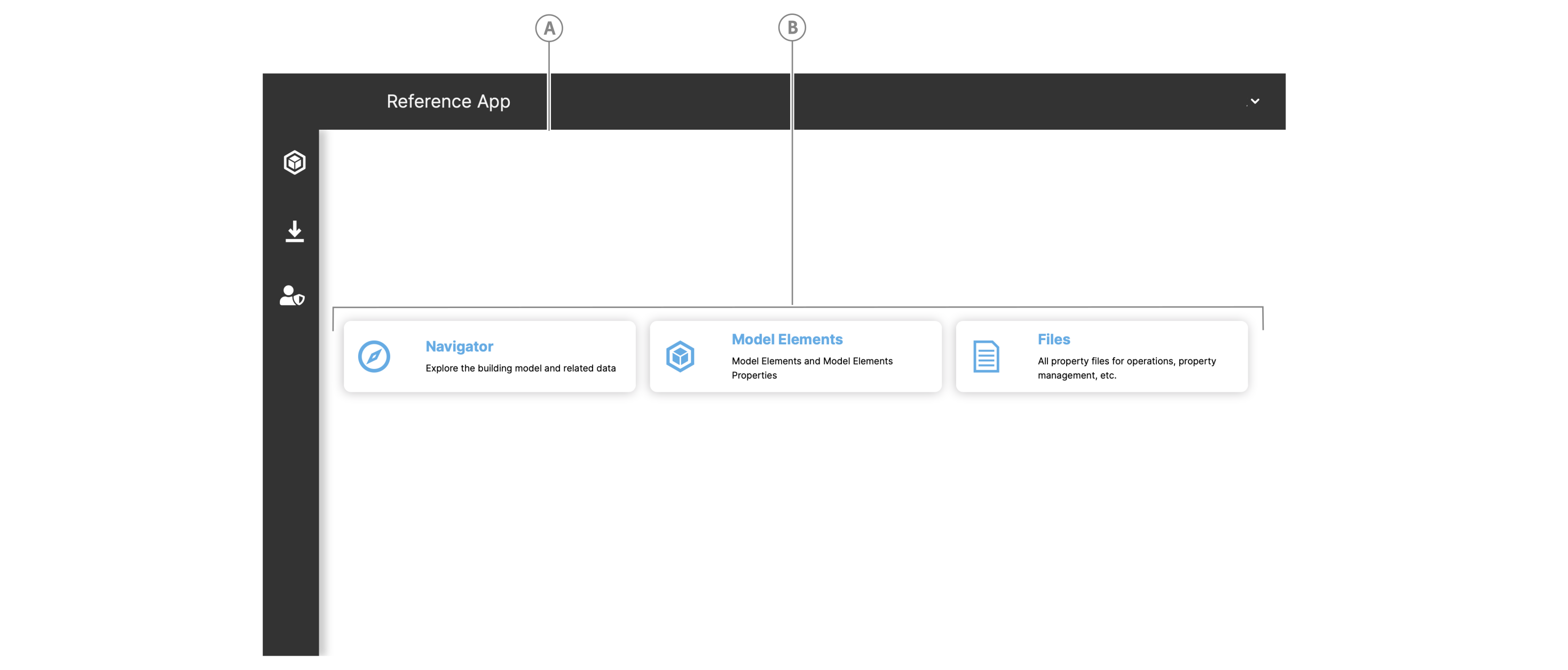
| Callout | Name |
|---|---|
| A | Home page layout |
| B | Home page action |
Layout#
You can design the home page layout in a user config. The default layout in the ReferenceApp is a grid layout of three rows and three columns with the action buttons appearing across the middle column.
Actions#
The home page contains actions, for example, buttons, that serve as shortcuts such as navigating to specific locations in the app. To add an action in a user config, see Home page handler actions