Application details page
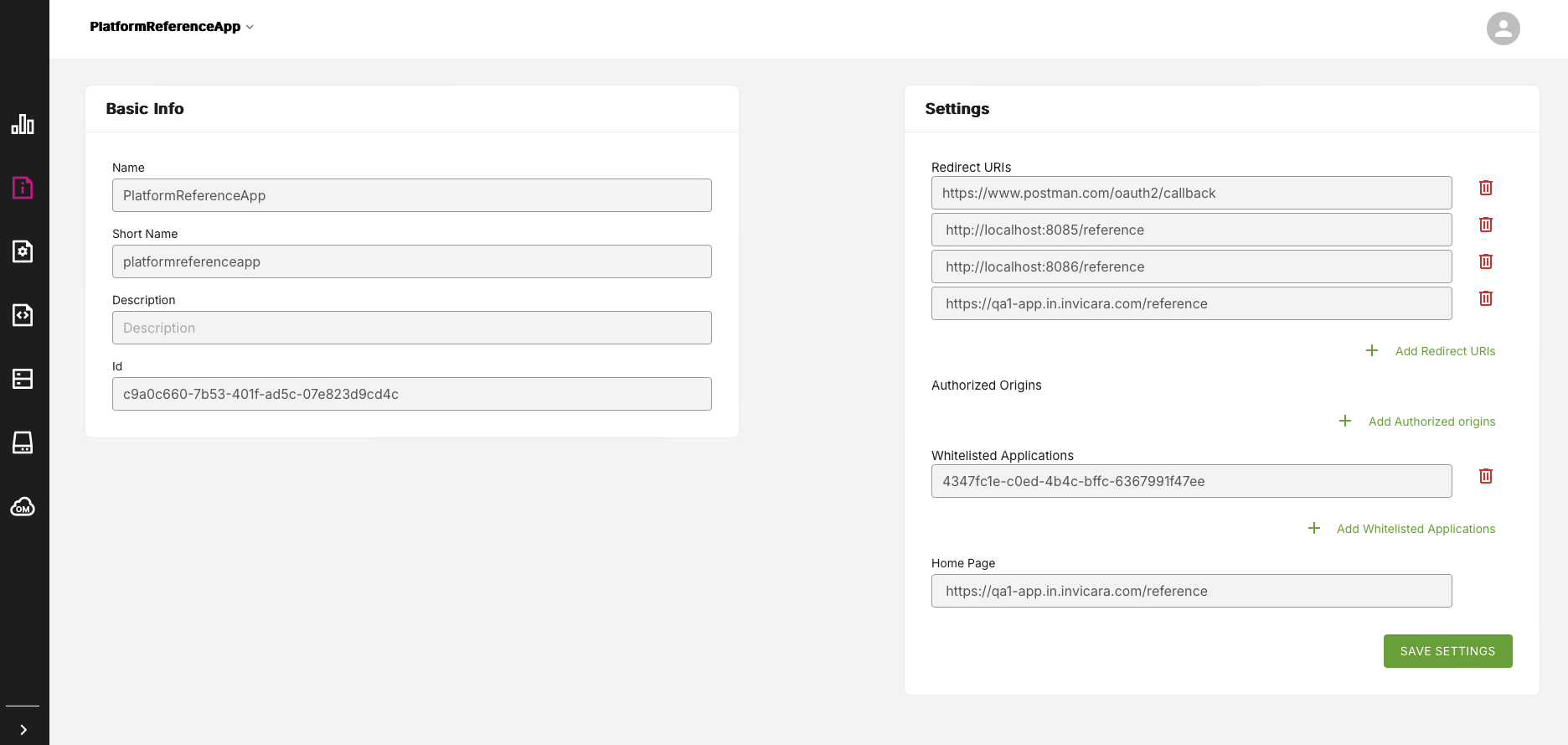
The Application Details page displays a range of basic information and settings details for a particular application. You can use this page to view or modify various application details such as Home page settings and URL redirects.
Figure: Applications Details page
Application Information and Settings#
On the Application Details page, you can view, modify, and add application information, via two panels of information:
- Basic info
- Settings
Basic info panel#
This panel presents the following application details:
- Name
- Short name
- Description
- ID
Settings panel#
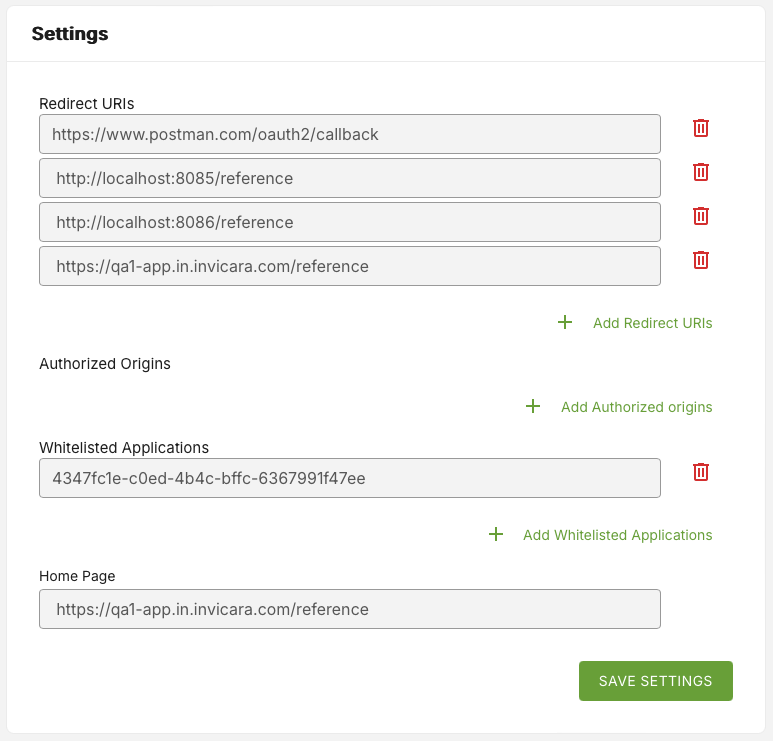
This panel presents the following application details, which you can change:
- A list of redirect URLs
- Authorized origins
- Whitelisted applications
- Home Page
Figure: Settings panel
Changing Redirect URLs#
Create additional redirect URLs using the + Add Redirect URLs option.
Delete existing redirect URLs by selecting the thrash icon to the right of each URL listing.
Changing Authorized Origins#
Add an authorized origin using the + Add Authorized origins option.
Changing Whitelisted Applications#
You can add whitelisted applications by adding an application ID, using the + Add Whitelisted Applications option.
Delete existing whitelisted applications by selecting the thrash icon to the right of the Whitelisted Applications box.
Click the Save Settings button to save new application details.