Data Sources Service
The Data Sources Service provides a list of orchestrators and orchestor runs, and provides other information on system components.
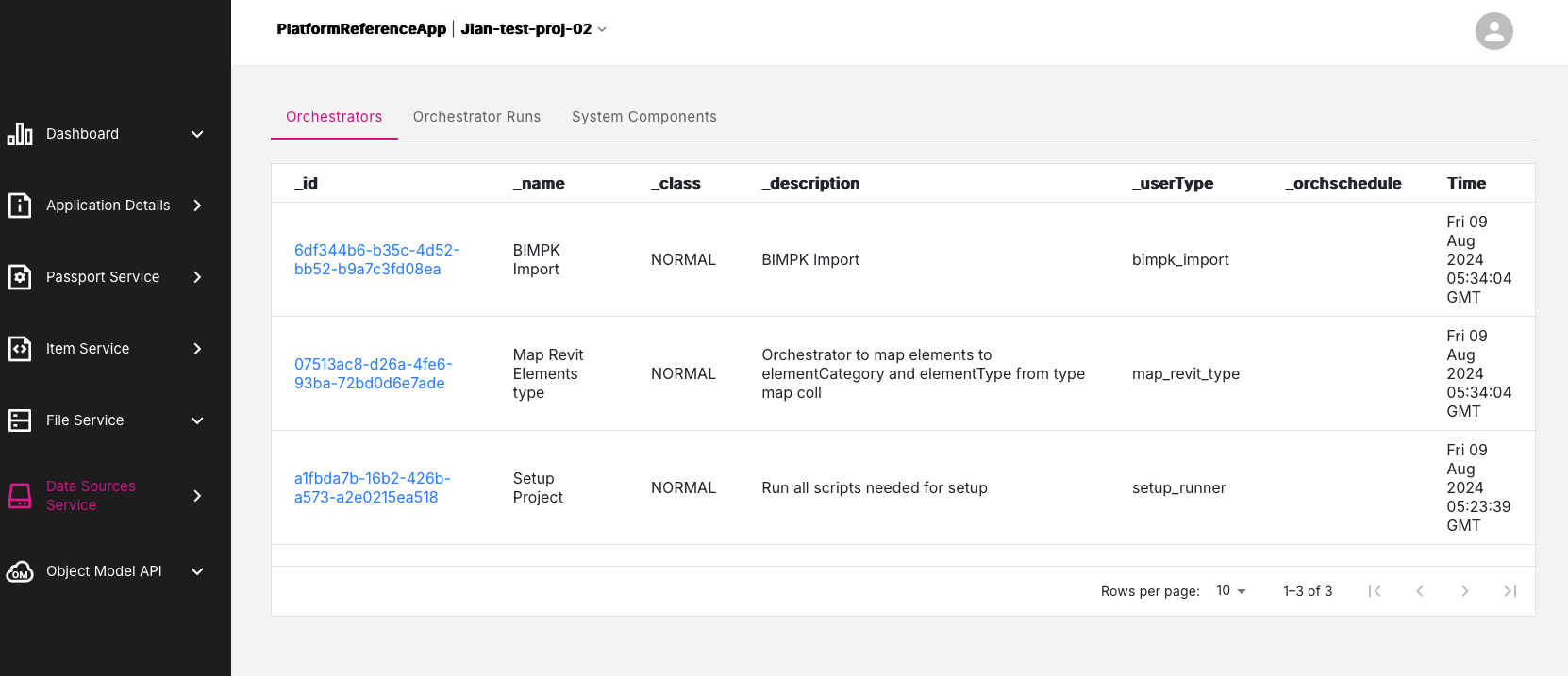
Figure: Data Sources Service page
Data Sources Service tabs#
The Data Sources Service offers three tabs of information:
Orchestrators tab#
This tab presents a list of platform orchestrators and list the times that the operations were run. In the _id column, click on any orchestrator run entry marked in blue, to drill-down and view more detailed information about that particular orchestrator run. This information will appear in the Current Orchestrator Run page.
Figure: Current Orchestrator Run page
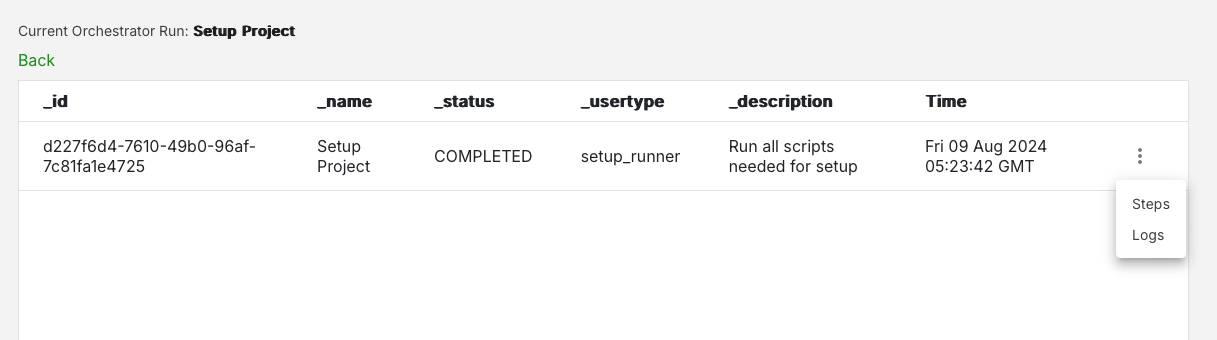
On the Current Orchrestrator Run page, each entry has a three-dot menu icon. Click this icon to reveal two options:
- Steps
- Logs
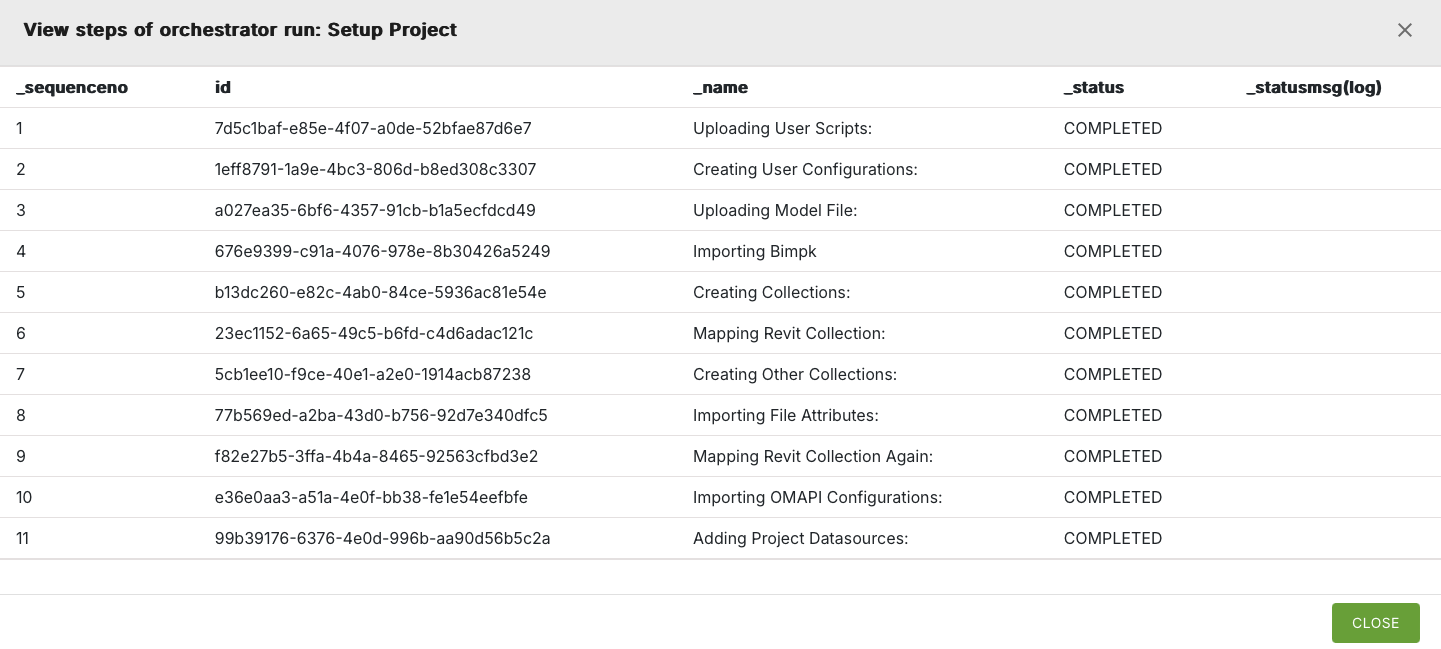
Steps option#
Click the Steps option to view the steps involved in a particular orchestrator run.
Logs option#
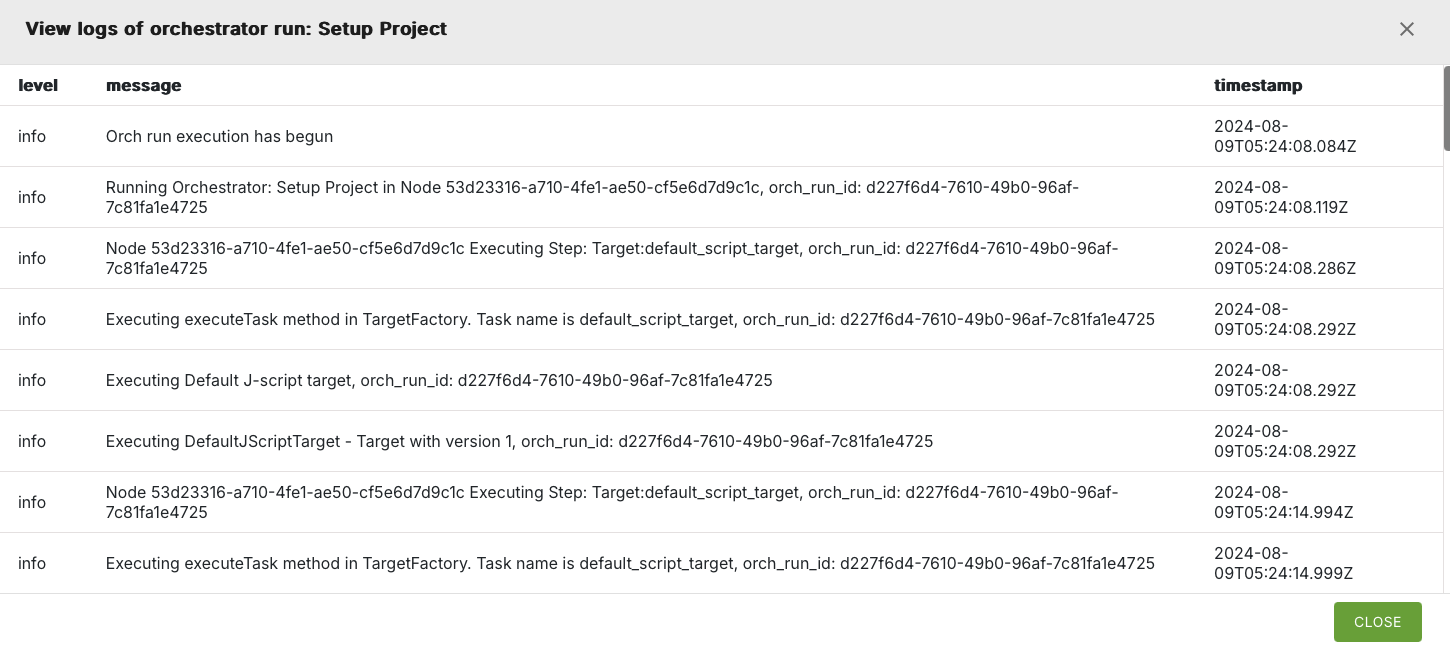
Click the Logs option to view the system logs for a particular orchestrator run.
Orchestrator Runs tab#
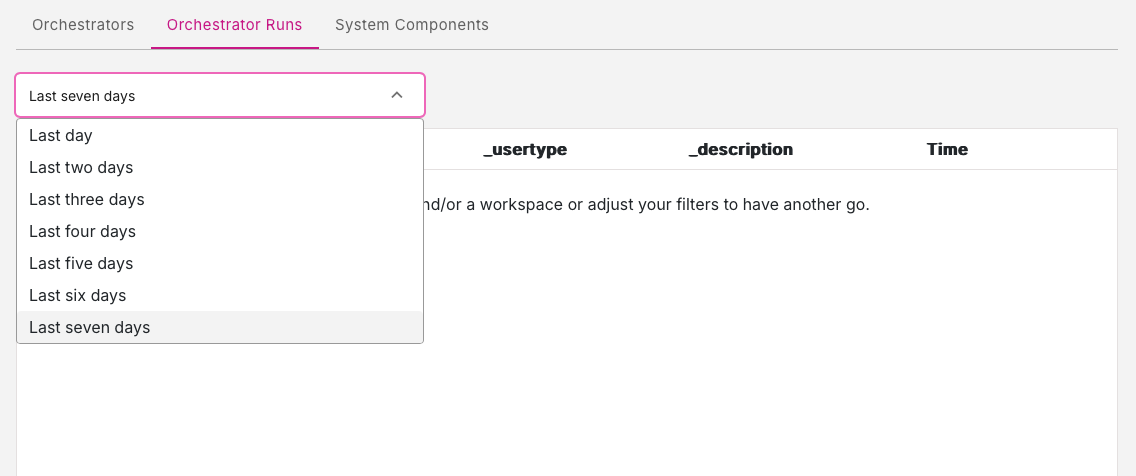
This tab presents a list of the orchrestrator runs in the workspace. If you do not see any entries on this page then try adjusting the time period by selecting different time ranges using the down-menu near the top of the tab. You can view orchestor runs from the previous seven days.
System Components tab#
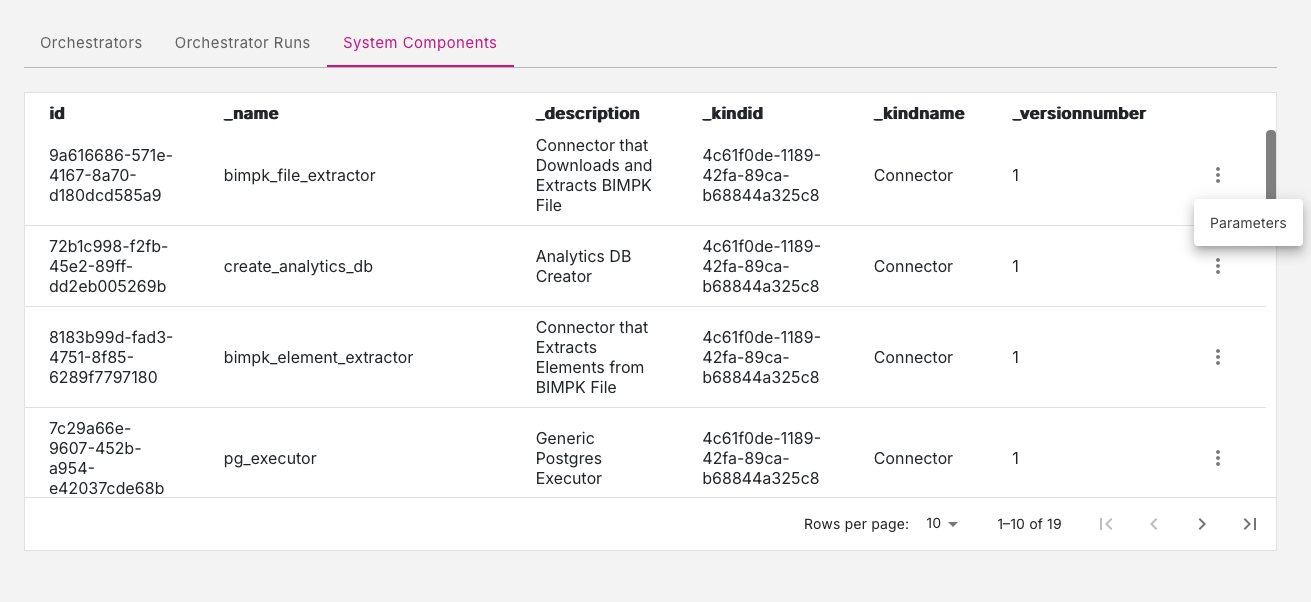
This tab presents a list of the system components involved in the orchestrator runs.
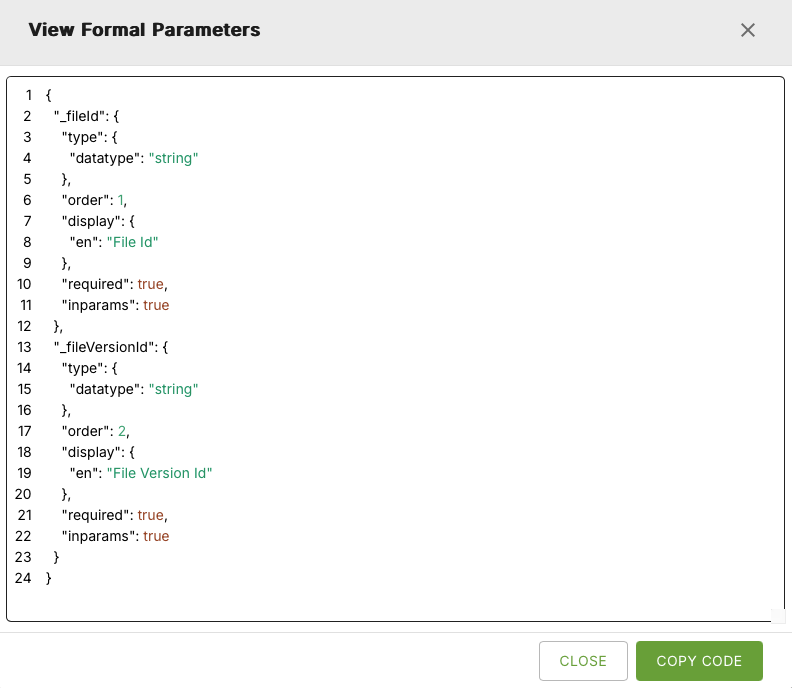
Parameters option#
Each system component entry has a three-dot menu icon. Click this icon to reveal one option: Parameters.
This will present you with a list of the formal parameters used for a particular system component. Use the Copy Code button to easily copy the list of parameters.