IafViewer overview
Introduction to IafViewer#
The IafViewer React component allows you to explore and manipulate 2D and 3D models using a powerful set of viewing tools and visual assists. For example, you can use the IaFViewer to view a BIM model in 3D space and interact with that model using a variety of tools.
Different IafViewer viewing modes are available which support a wide range of industry standards for 2D and 3D models of buildings and facilities.
Note: The Model Navigator page in the Reference app, is built using the IafViewer component. Refer to the section on the Reference app for more information.
Different modes of IafViewer#
The IafViewer offers a range of enhanced viewing modes which support a wide range of possibilities for viewing different industry standard models.
Note: You can now run multiple IafViewer instances. This means you can display different IafViewer windows, side-by-side and compare various models.
Figure: Range of different graphics models supported by IafViewer
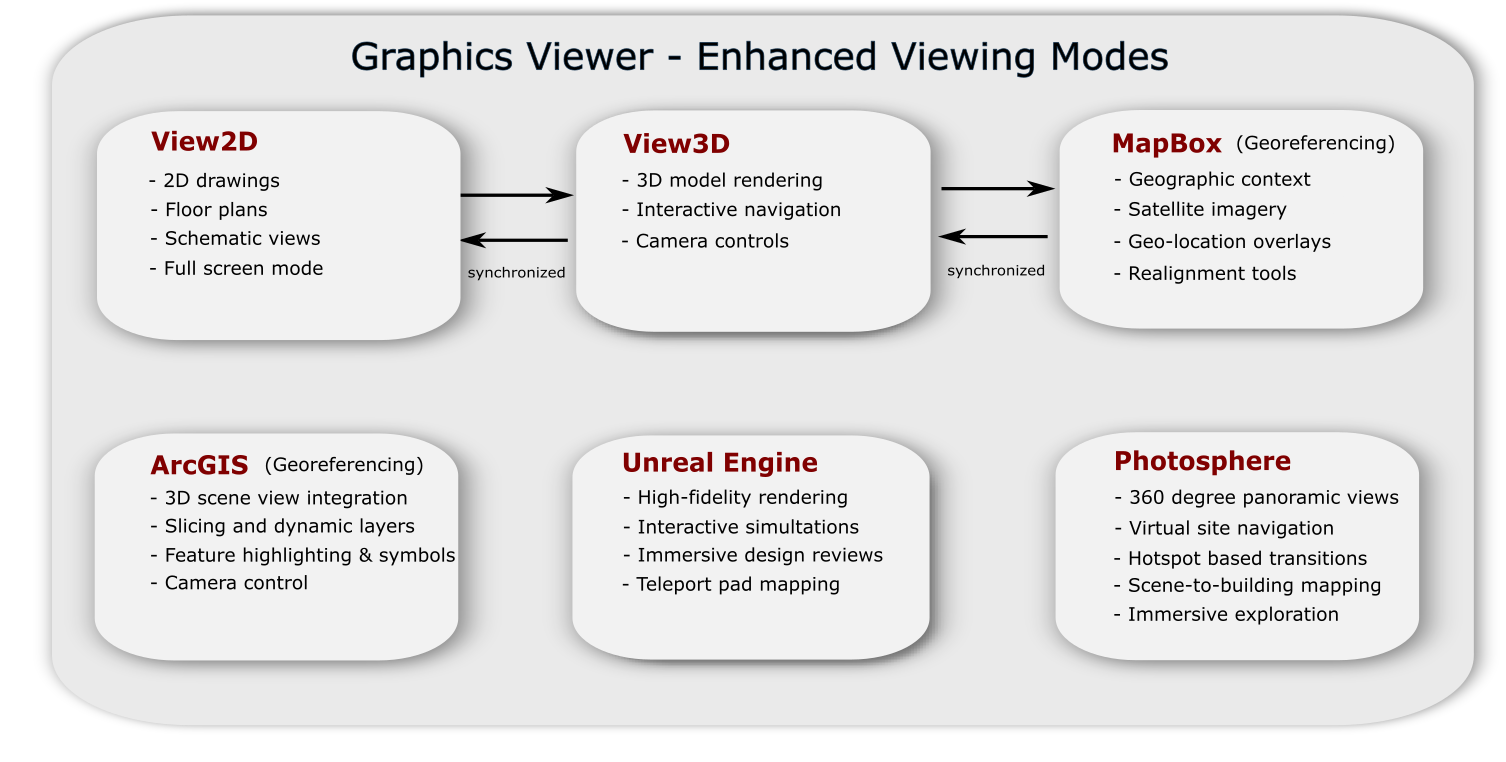
Currently, the IafViewer supports the following viewing modes:
| IafViewer mode | Supported applications |
|---|---|
| View2D | 2D drawings, floor plans, schematic views, full-screen mode |
| View3D | 3D model rendering, interactive navigation, camera controls |
| MapBox - Georeferencing | Geographic context, satellite imagery, geo-location overlay, realignment tools |
| Note: View2D, View3D, and MapBox modes are all synchonized together | |
| ArcGIS - Georeferencing | 3D SceneView integration, slicing and dynamic layers, feature highlighting and symbols, camera control |
| Unreal Engine | High-fidelity rendering, pixel streaming, interactive simulations, immersive design reviews, teleport pad mapping |
| Photosphere | 360 degree panoramic views, virtual site navigation, hotspot-based transitions, scene-to-building mapping, immersive exploration, panoramic imagery |