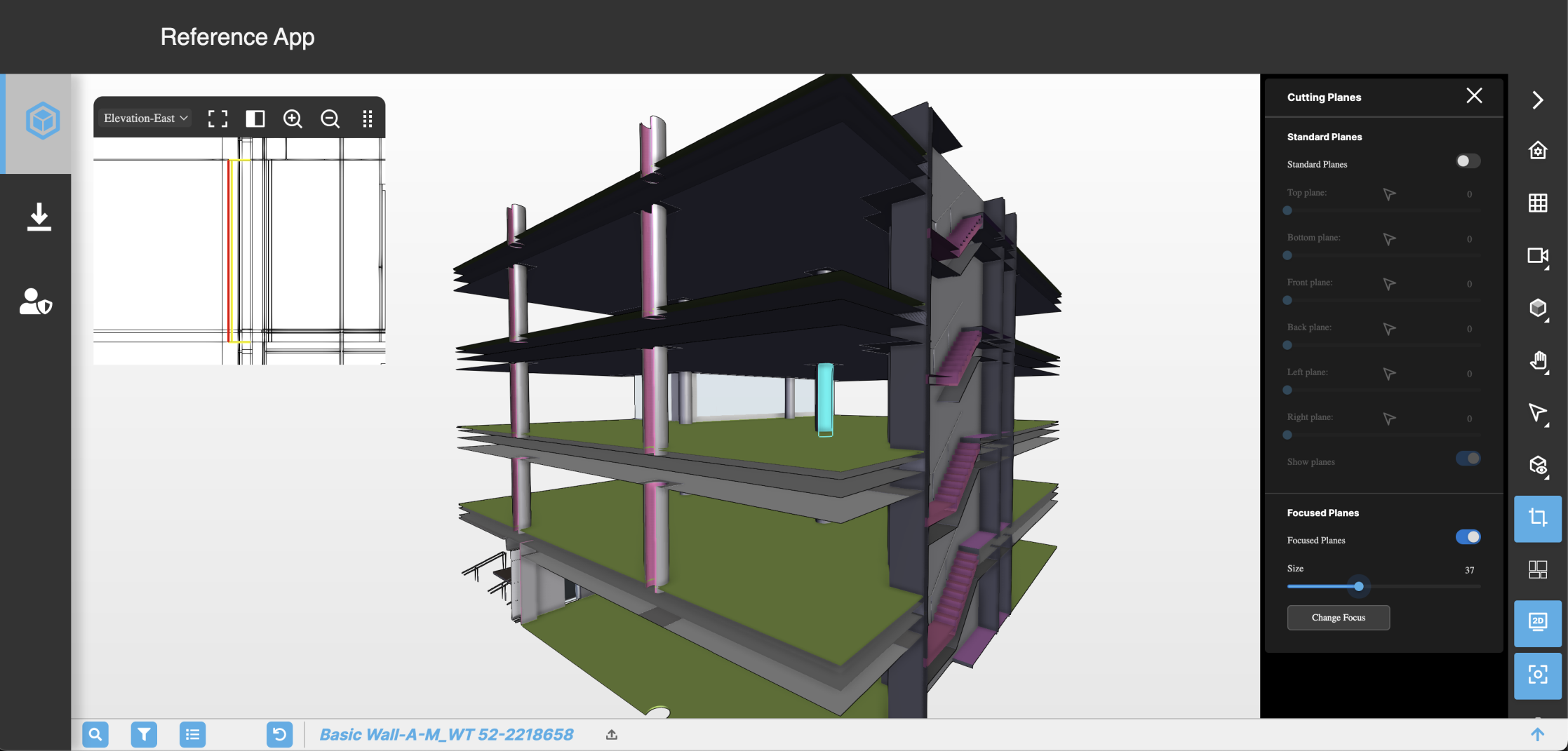
Cutting Planes
Cutting Planes pane#
Focused Planes#
Use the Focused Planes section of the Cutting Planes pane to build a cutting plane box of a given size around the selected element or asset. As well as providing more efficient loading times, you can use cutting planes to quickly make visible a selected element that is obscured from view by other elements in the model.
Figure: Cuttings Planes pane
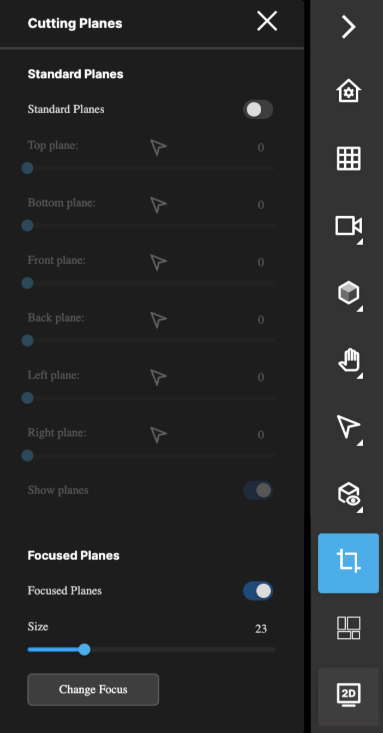
| UI element | Description |
|---|---|
| Size | Sets the size of the cutting plane box around the selected element or asset |
| Change Focus | Changes the active selection subject in order to update the focused plane box |
Figure: Example where model elements obstruct view of selected element
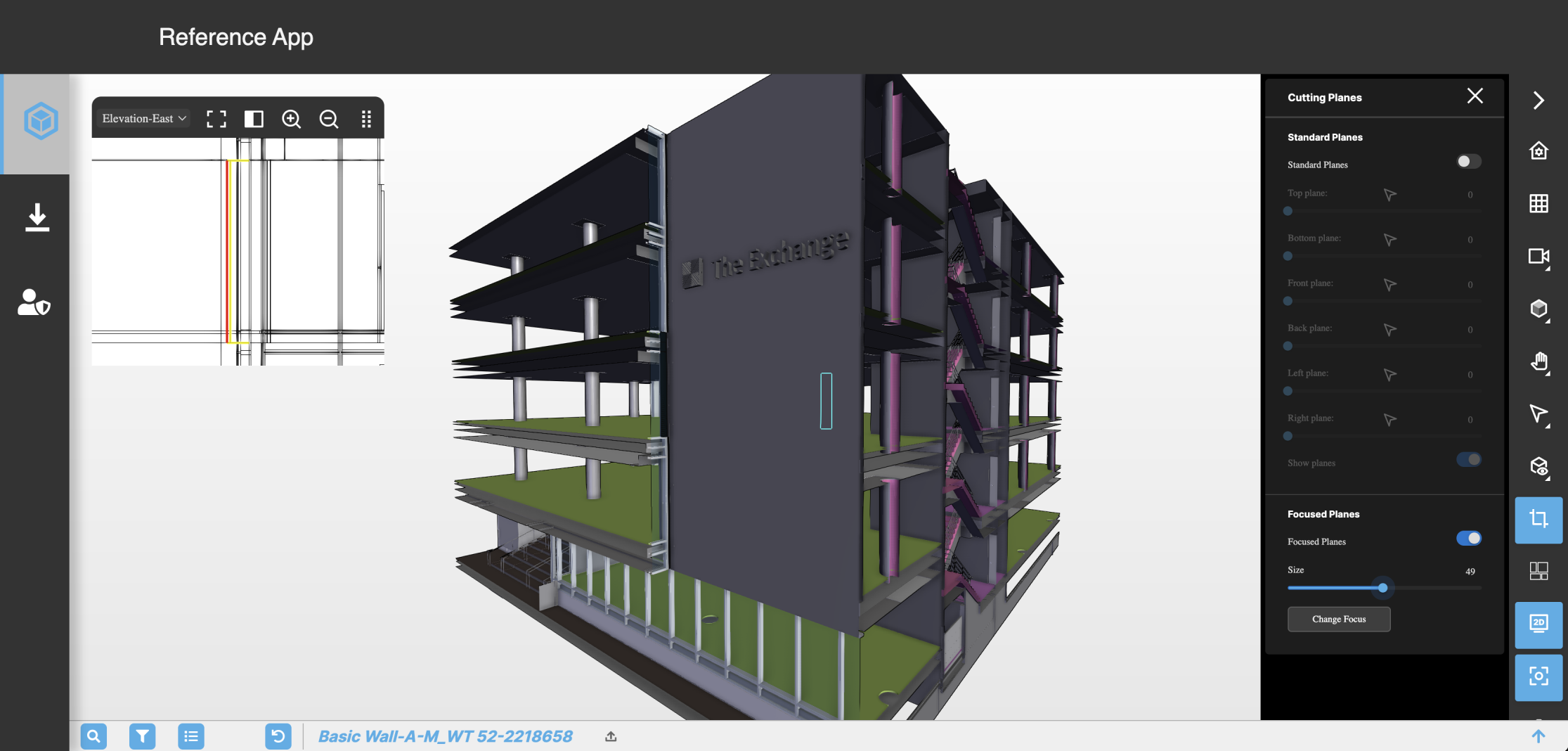
Figure: Example of focused planes revealing selected element