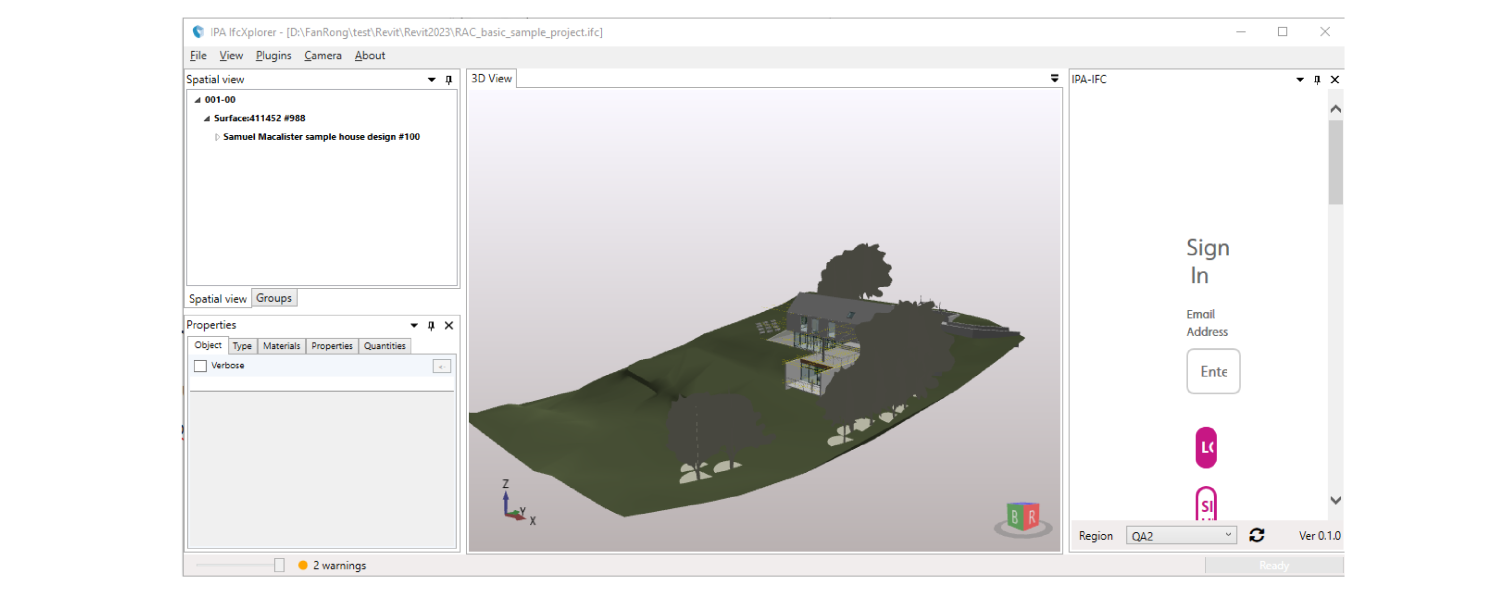
Exporting a federated model
Overview
IfcXplorer can federate multiple IFC files so that the IPA-IFC plugin can export to the platform.
How to export a federated model
To export a federated model, do the following:
-
In your IFCXplore app, from the menu bar, click File, then, from Federation, click Create.
Figure: Federation function
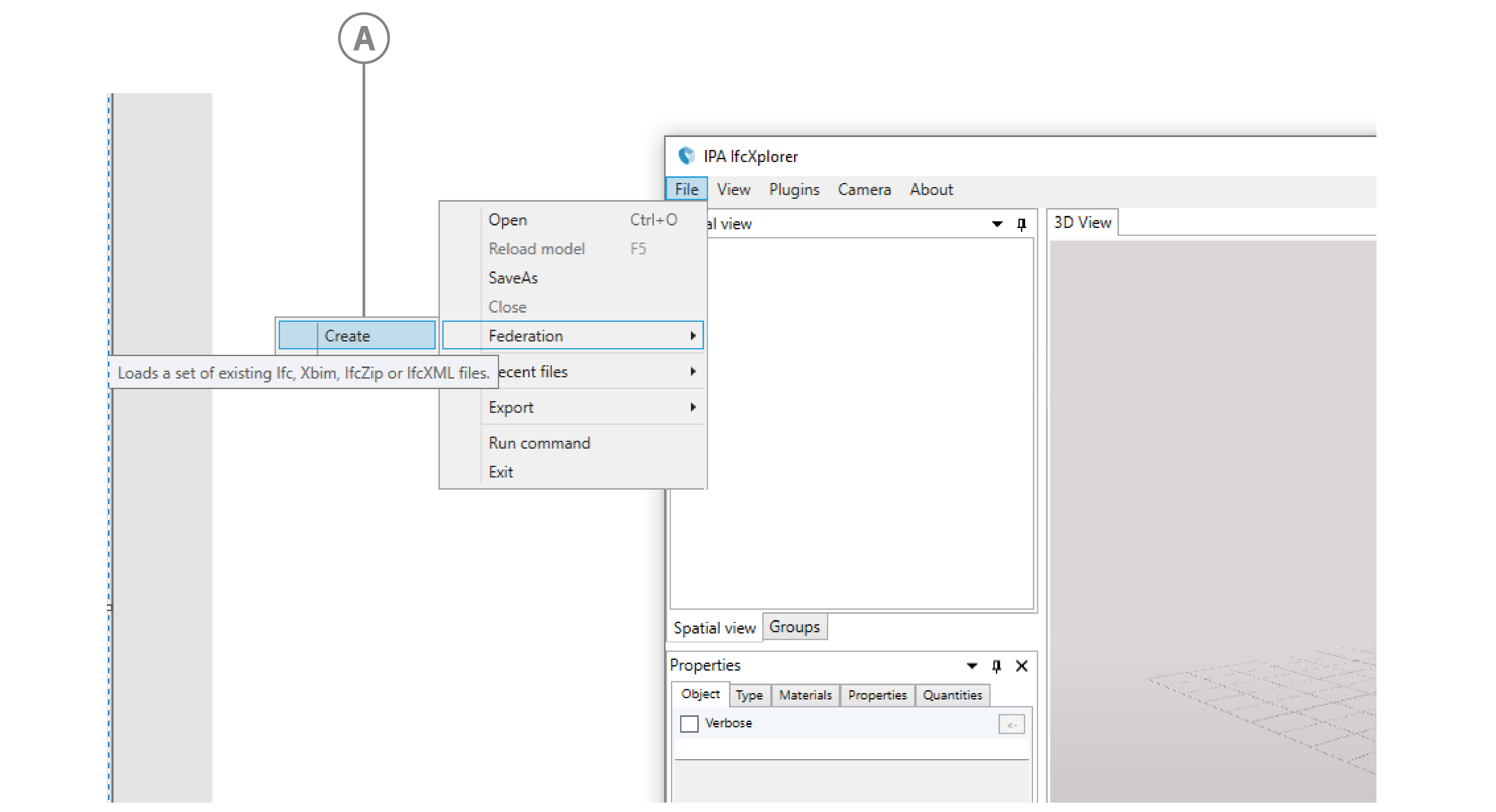
Callout Description A File/Federation/Create path -
In the Please input federation name dialog box, type a name for the federation model, which also names the exported BIM model, then click Ok.
-
Select the IFC files you want to federate.
Result: The plug-in creates the federated model and displays it in the viewer. To upload the model, follow the steps from step 3 in Exporting a model.
Figure: Federated model in the viewer