Installing Navisworks IPA plug-in
Installation procedure#
To install Navisworks IPA plug-in, do the following:
- Go to the and download the Navisworks plug-in.
- Find the IPA plug-in installer for Navisworks 2022-2025,
IPA.nw2022.Addin-5.0.xx.msi, then click the Download icon. - After it has been successfully downloaded, execute the installer file to begin the installation process.
- Optional: To add another environment, see Adding or removing an environment.
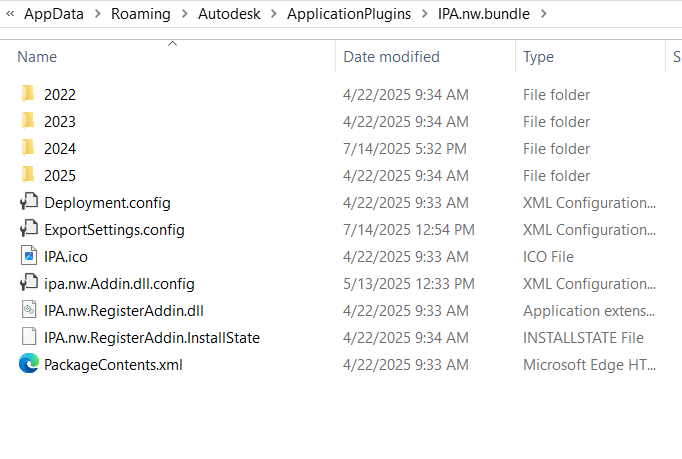
Navisworks plug-in folder#
Navisworks IPA plug-in is installed into AutoCAD plug-ins folder, which is:
%APPDATA%\Autodesk\ApplicationPlugins\
And Navisworks IPA plug-in folder is IPA.nw.bundle .
Figure: Navisworks plug-in folder