Opening the plug-in in Navisworks
Opening Navisworks IPA plug-in#
To open Navisworks IPA plug-in within Navisworks application, do the following:
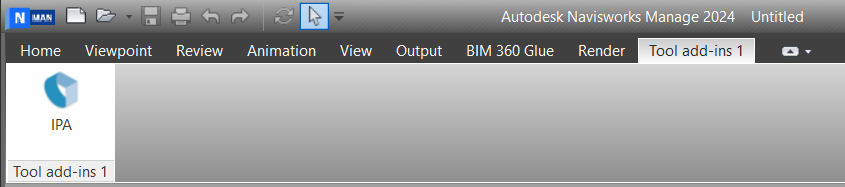
- Launch Navisworks application, verify that the IPA plug-in appears in the Tool Add-ins tab of Navisworks Ribbon.
- click IPA to open IPA plug-in.
- In the plug-in window, at the bottom of the window, from the Region dropdown, select your region.
- In the Email Address and Password fields, enter your credential, and then click Login to enter IPA plug-in main window.
Figure: IPA plug-in within Navisworks