LLM secret key
Users can safely add their LLM's API key to the Passport Service using the AI chat pane's settings
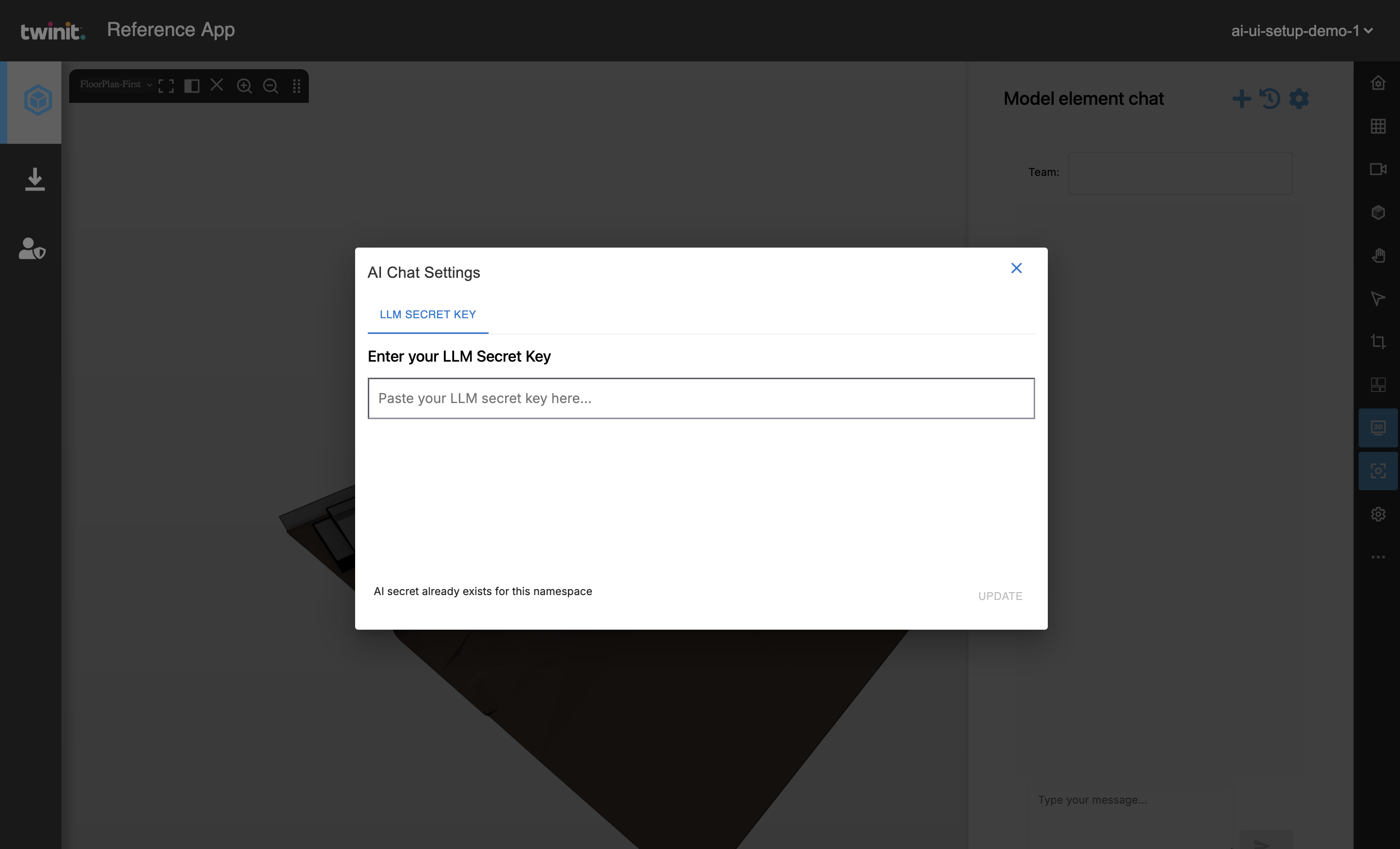
Use IafPassSvc.getSecrets and IafPassSvc.createSecrets to check and post secrets to the Passport Service.
getSecrets to check for existing secret
useEffect(() => { const checkSecret = async () => { const secrets = await IafPassSvc.getSecrets( { _name: "OPENAI_API_KEY" }, ctx, undefined ); console.log('Existing secrets:', secrets); if (secrets._list.length > 0) { setStatus('AI secret already exists for this namespace'); } else { setStatus('No AI secret found for this namespace'); } }; checkSecret(); }, [ctx]);In the following example, the secret variable is the secret key from the user's LLM account, such as ChatGPT.
createSecrets to post a secrets to the Passport
const addSecret = async () => { setStatus('Adding AI secret config') const secretObj = [{ _name: "OPENAI_API_KEY", _value: secret, _namespaces: ctx._namespaces, _description: "Secret for the namespace", _userType: "system_secrets" }]; try { await IafPassSvc.createSecrets( secretObj, ctx, undefined ); setStatus('AI secret uploaded'); setSecret(''); } catch (error) { console.error('Error adding secret:', error); setStatus('Error uploading AI secret: ' + (error.response?.data?.message || error.message)); } }