Manage Object Model API
Viewing an object model API#
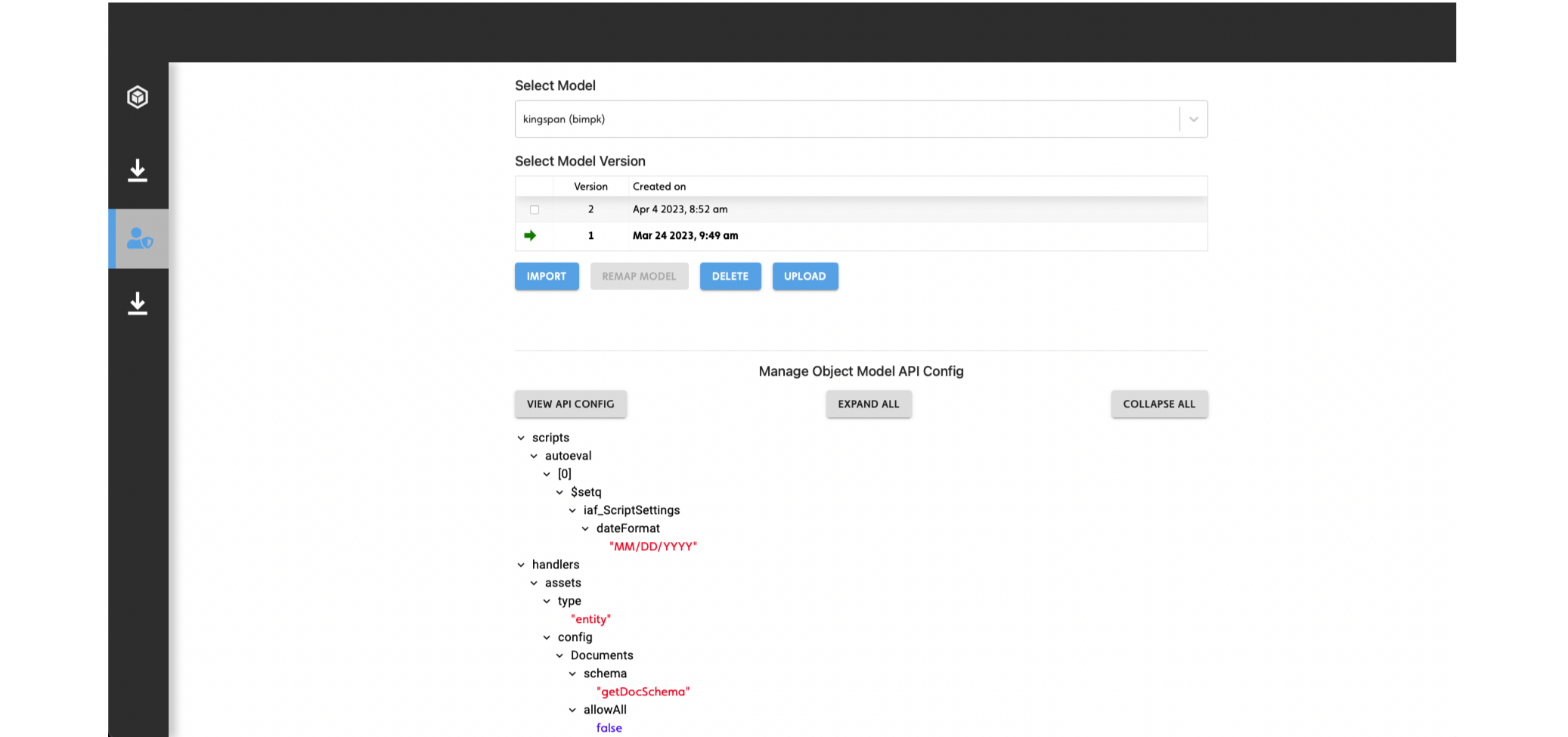
To view an object model API, do the following:
- From the sidebar, hover over the Admin icon, then click Manage Model.
- From the Select Model dropdown, select a model.
- Click VIEW API CONFIG.
- Click EXPAND ALL.
Figure: Expanded object model API config
Running OMAPI scripts#
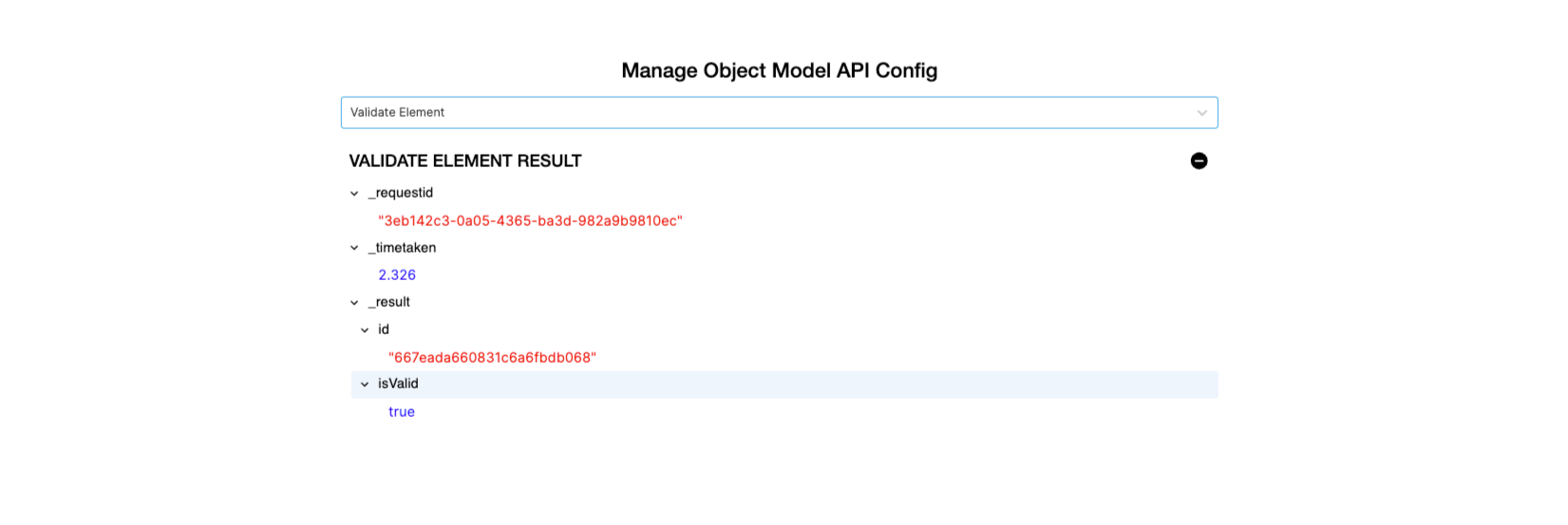
The Reference App demonstrates how you can add a user interface option to run scripts in the project's Object Model API.
In the following example, when the user selects Validate Element from the dropdown menu, the request sends and the response displays as a tree menu that the user can expand.