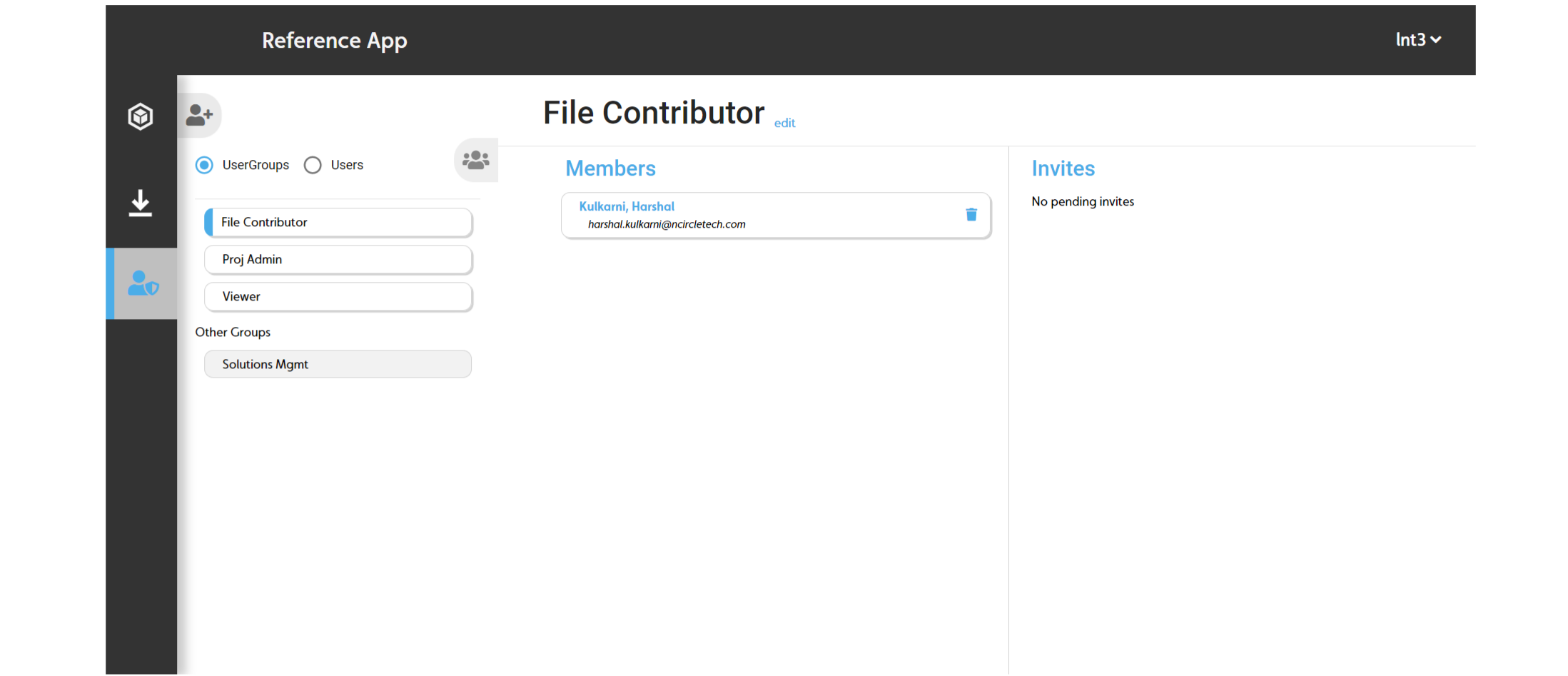
User Group page
Use the Accounts page to complete the following actions:
- User groups
- View the app's user groups
- Invite users to a user group
- Remove a user from a user group
- Users
- View users
By default, there are three pre-configured user groups available when you start a project:
- File Contributer
- Proj Admin
- Viewer
To open the User Group page, in the sidebar, click the Admin icon, then click User Group.
Figure: Accounts page overview