AI Service node
Overview#
Use the AI Service node to access the Workbench AI features.
Extended edit options#
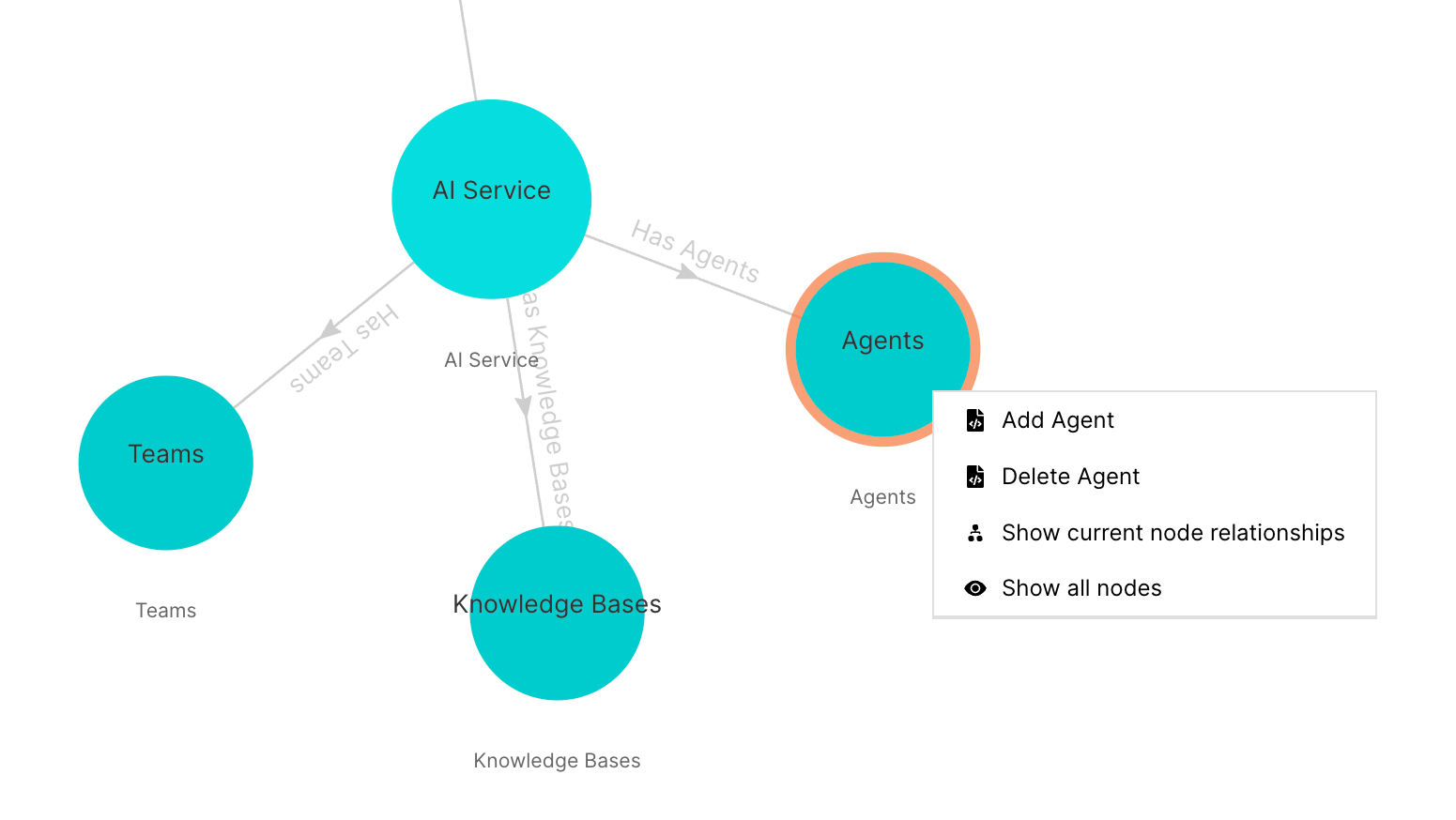
Double-click the AI Service node to reveal three sub-nodes:
- Agents
- Knowledge Bases
- Teams
Agents#
Right-click the Agents sub-nodee to access these extended edit options:
- Add Agent
- Delete Agent
- Show current node relationships
- Show all nodes
Figure: Agents - extended edit options
Knowledge Bases#
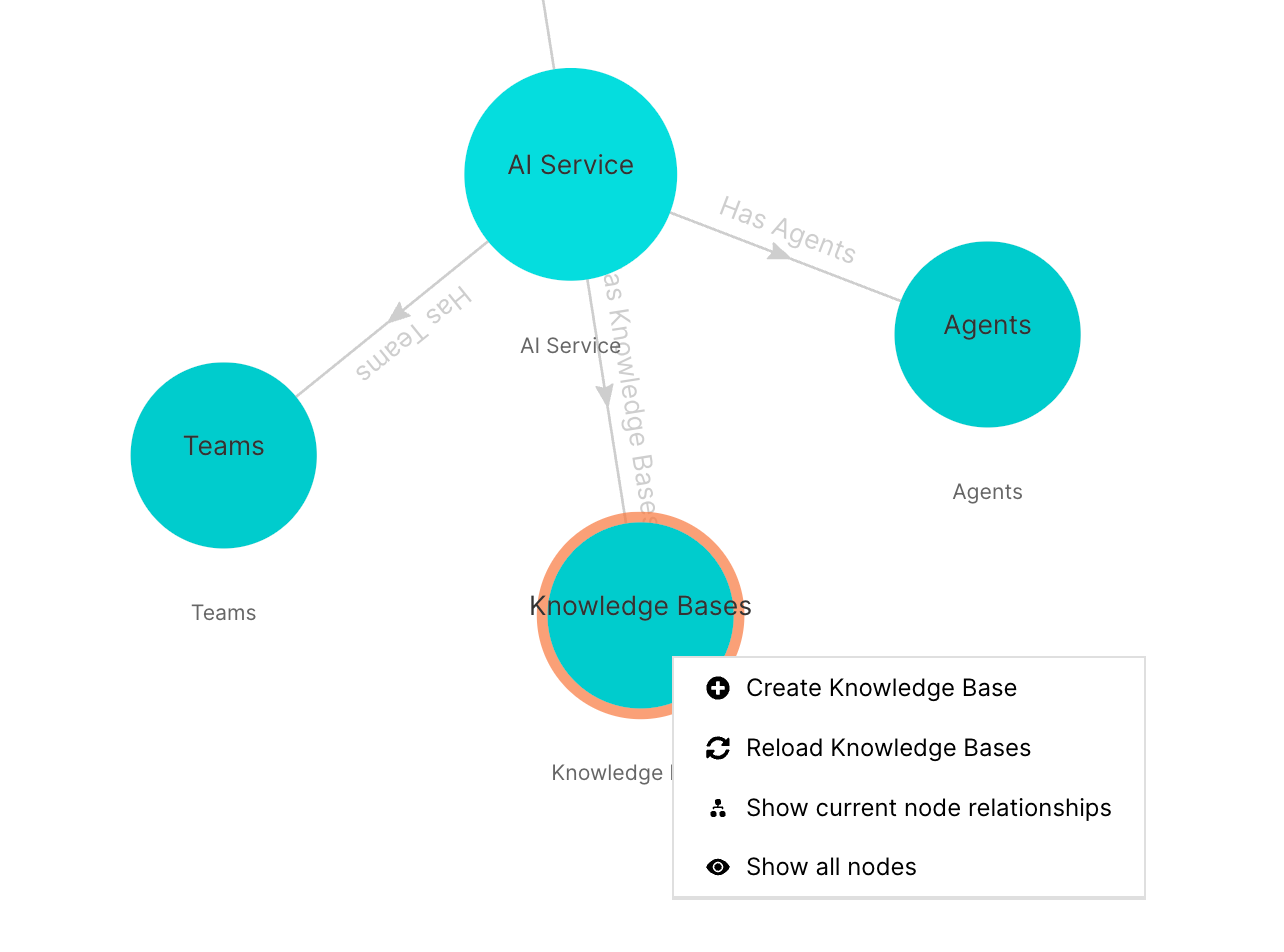
Right-click the Knowledge sub-nodee to access these extended edit options:
- Create Knowledge Base
- Reload Knowledge Bases
- Show current node relationships
- Show all nodes
Figure: Knowledge Bases - extended edit options
Teams#
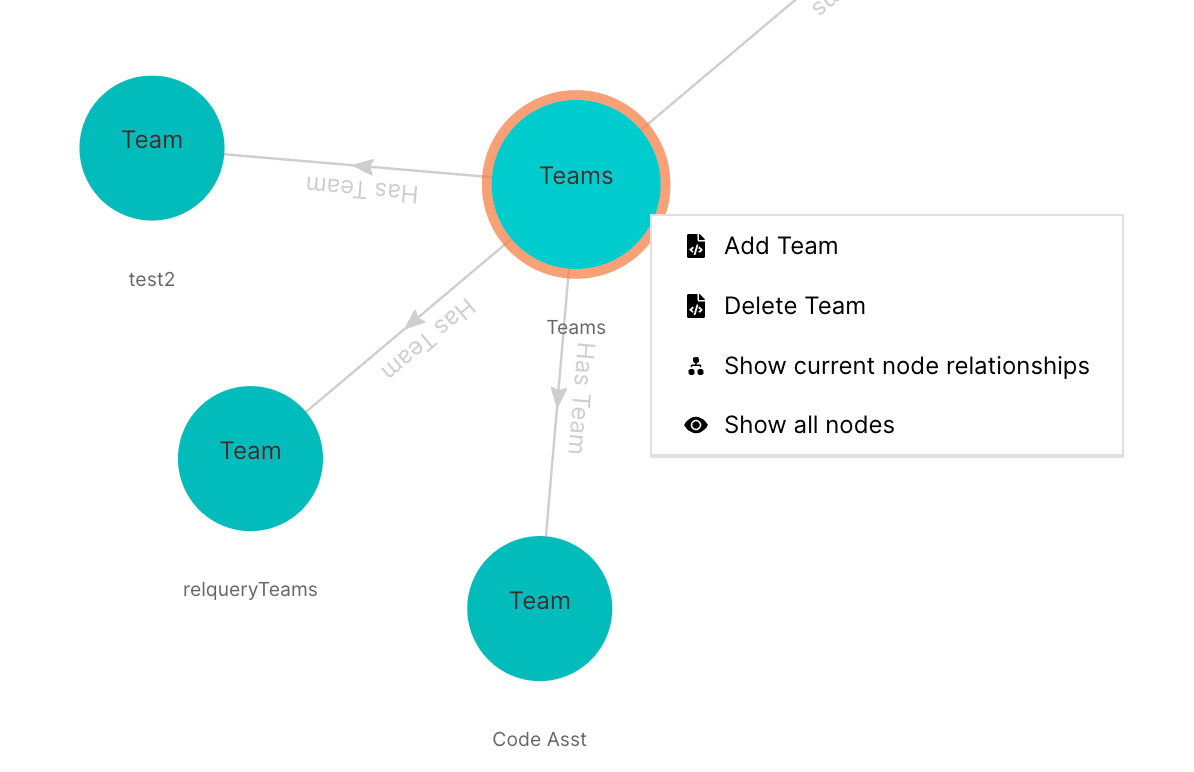
Double-click the Teams sub-node to reveal any team sub-nodes.
By default, there are no sub-teams present. AI teams need to be added. These teams represent different AI functionality that you can query using natural language via the AI Chat option in the left side-bar menu.
Right-click the Teams sub-node to access these extended edit options:
- Add Team
- Delete Team
- Show current node relationships
- Show all nodes
Figure: Teams - extended edit options