Collections node
Overview#
Use the Collections node to import data models.
Extended edit options#
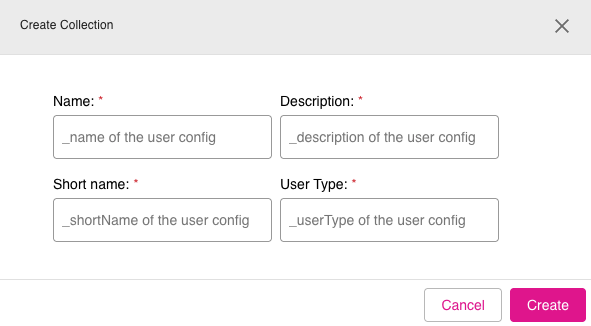
Right-click on the Collections node to access these extended edit options:
- Create Collection
- Import Ontology Individuals
- Show current node relationships
- Show all nodes
Figure: Collections node - extended edit options
Creating a new collection#
To use the Collections node to create a new collection, do the following:
- In edit mode, right-click the Collections node.
- Click the option Create Collection.
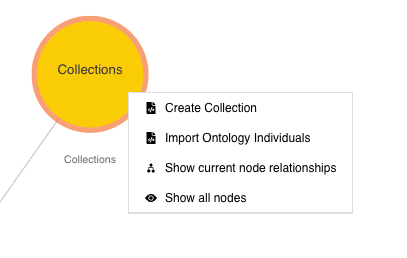
- The Create Collection dialog appears. Fill in the information for the fields: Name, Description, Short name, and User Type.
- Click Create to create the new collection.
Figure: Collections node - Create Collection dialog