Collections
Overview#
The Collections option provide access to the main functions available for managing collections.
Currently the Collections menu supports just one option: View
View#
Click the View option to load and view a collection.
To view a collection, do the following:
- Click the View option under the Collections section in the side-bar menu.
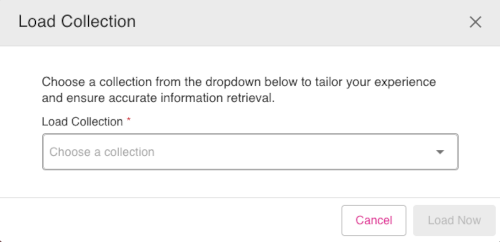
- The Load Collection dialog appears. From the Load Collection drop-down, select a collections file to view.
- Once the collections file is selected, click the button Load Now. The collections file will load and be available to view.
Figure: Load Collections dialog