User Settings
Overview#
The User Settings option provide access to the main functions available for managing user groups and individual users of Workbench. It also allows you to invite new users to Workbench.
The User Settings menu currently has just one option: User Group.
User Group#
Click the User Group option to manage, invite, and view and Workbench user groups and users.
To manage user groups, do the following:
- In the left side-bar menu, click User Settings to expand the User Settings options menu.
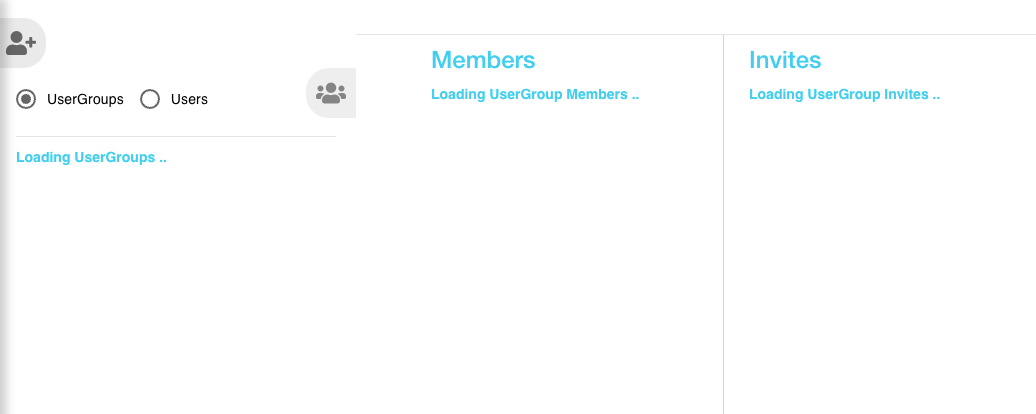
- Click User Group. The main User Group page will be displayed offering a range of options for managing Workbench usergroups and users.
- Click the radio buttons UserGroups or Users to toggle between displaying both types of users.
Figure: User Group page