API Keys tab
Overview
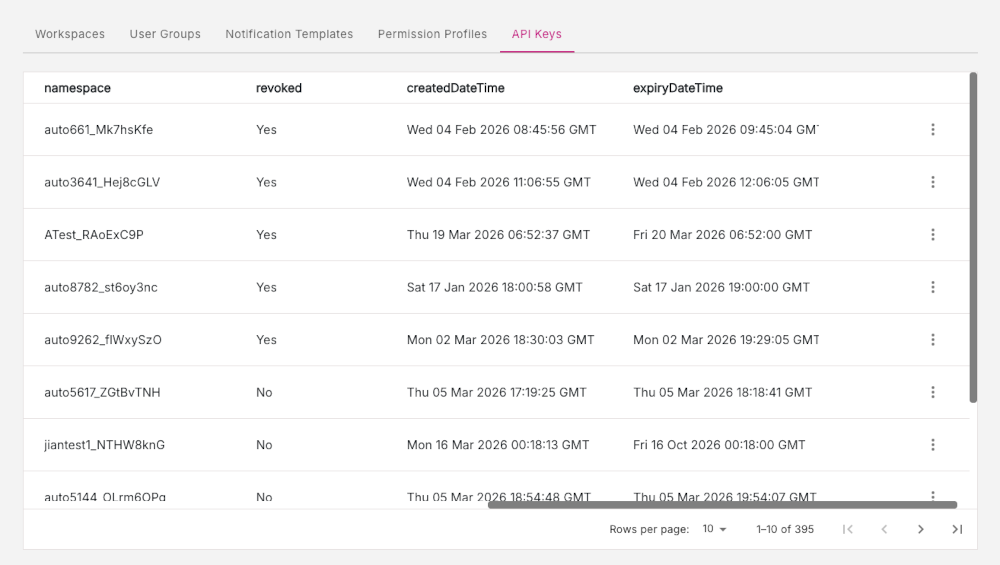
The API Keys tab is for Platform Managers and facilitates API key management. The API Keys tab lists all the API keys which are managed by a Platform Manager.
API Keys are unique identifiers which are used to make a request to use an API. The Platform Manager manages API keys for different users and has the ability to view all the details for a particular API key. If necessary, a Platform Manager can also revoke the API keys for a user which would deny that particular user access to the API.
Figure: API Keys tab
API key information
Each row in the API Keys tab lists a wide range of information about a particular API key, with each column displaying an API key property, including:
- id
- name
- user
- namespace
- revoked
- createdDateTime
- expiryDateTime
Three-dot menu icon actions
Click the three-dot icon at the end of each row to reveal more options. For each API key, the following actions are available:
View API key
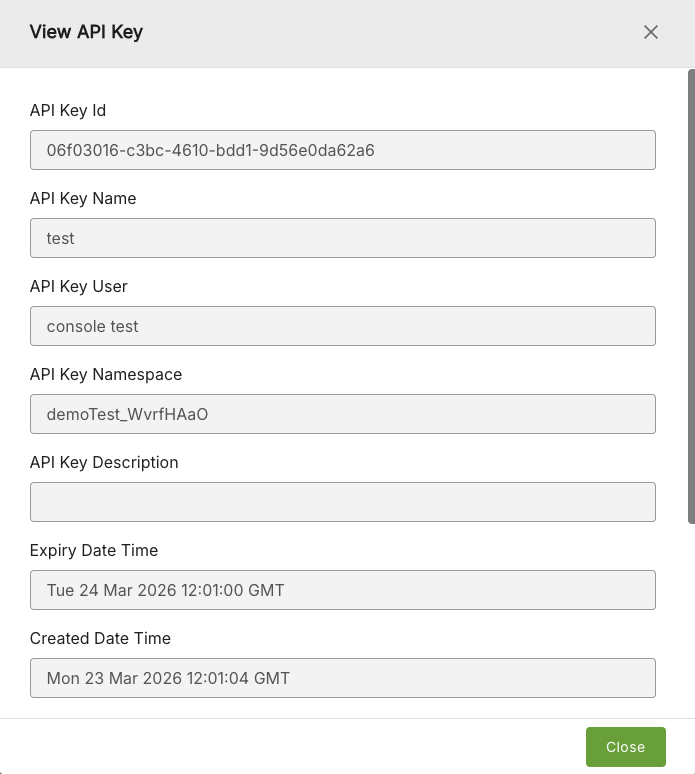
Click the View option to display the View API key window which displays all the information for a particular API key.
Figure: View API Key
Revoke API key
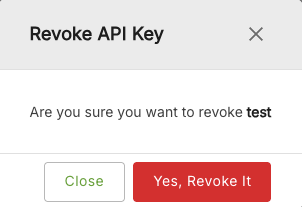
Click the Revoke option to revoke API key access for a particular user. You will be prompted to confirm that you want to revoke the API key.
Figure: Revoke API Key