Upload and Manage Files
In this module you will learn how to upload, query, and download files to and from the File Service. Additionally you will see how you can organize your files into folders and add tags to your files.
Uploading, Versioning, Querying, and Downloading Files
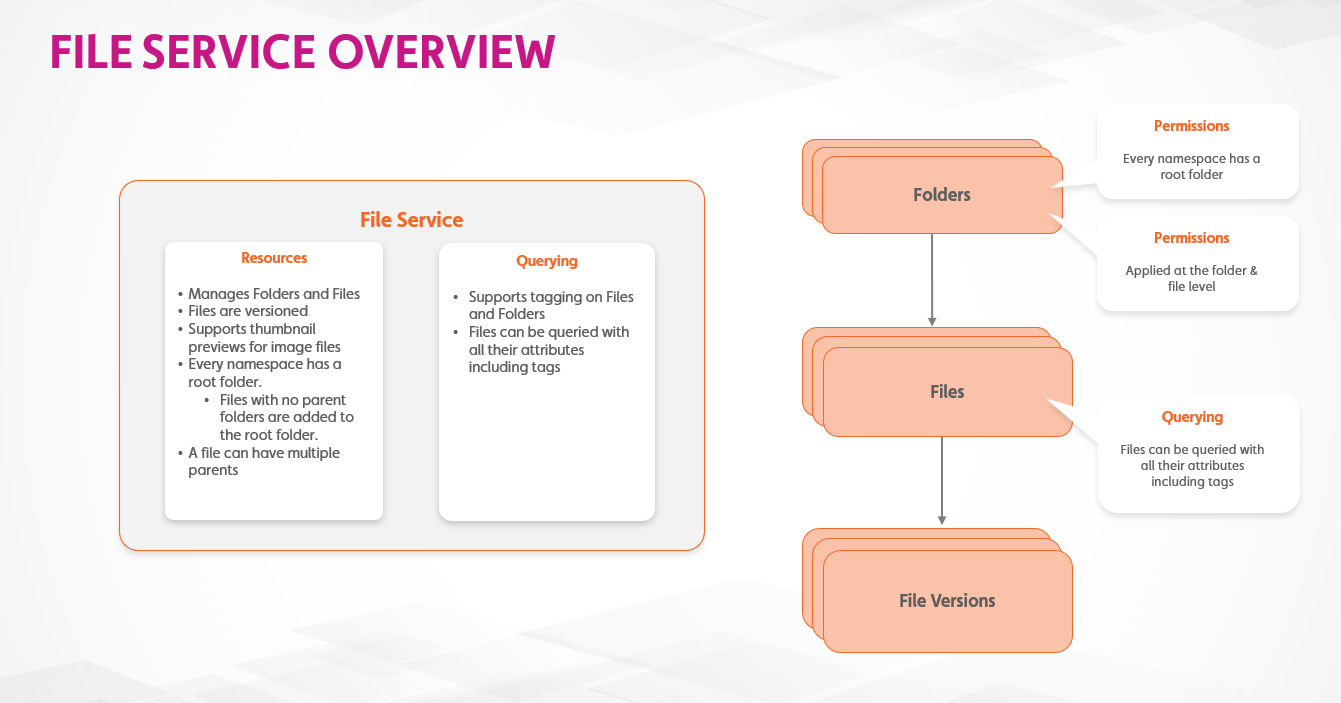
File Service enables you to upload files to Twinit.
The File Service will automatically keep track of any new versions of the file, allowing you access to any version of the file.
You can also include tags along with the file when uploading or editing files.
Of course, you can also query and download any and all versions of your files.
Files in the File Service can also be organized in folders.
Hands On
- Download the B06 - File Service Basics.zip file and extract the files
- Open the .mjs file in Visual Studio Code
- Follow the steps in the file