Understanding User Groups
In this module you will create a basic admin user group for your project.
In future courses you will learn how to add more granular permissions to your user groups and invite or add users to your user groups.
For now we will simply create one user group with permissions to do everything in your project.
What are User Groups?
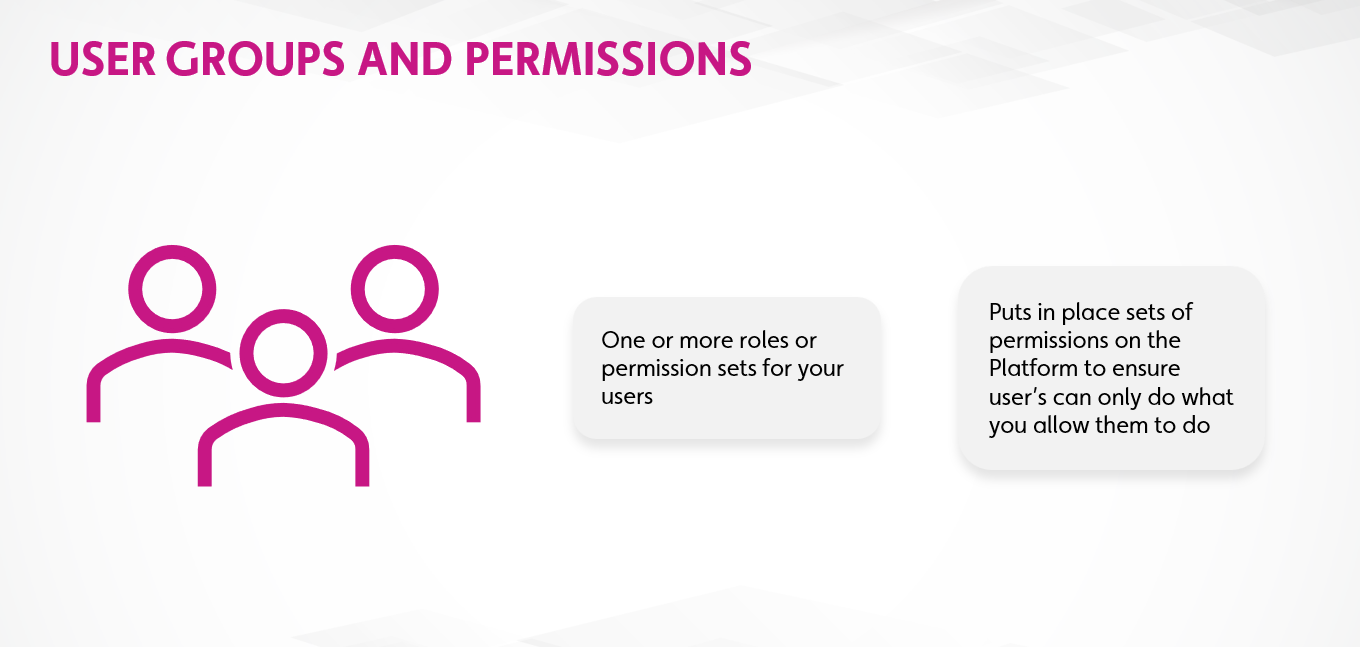
User groups give you a way to define roles and permission sets based on assigning users to a specific group.
User groups can be used to specify roles based on job function like 'Maintenance' and 'Inspectors' or based on roles specific to your application like 'Admin' and 'Document Viewer'.
Once a user group is created (and permissioned) you can either invite users to the user group or, if they have an existing Twinit account, add them directly to the user group, in order to give them access to your application's data.
Hands On
- Download the B02 - User Group Basics.zip and extract the file locally
- Open the file in your IDE
- Follow the steps in the file