Secrets tab
Overview
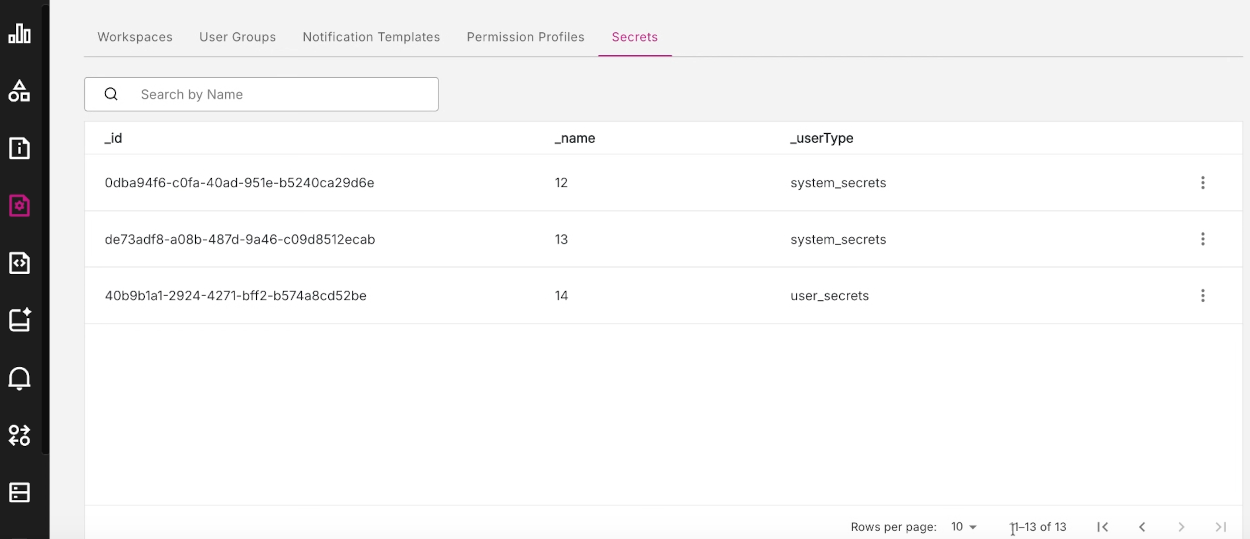
The Secrets tab lists the sensitive items of user data which allow users to access the platform.
Figure: Secrets tab
Secrets key information
Each row in the Secrets tab lists the key information about a particular secret, including the following properties:
- id
- name
- userType
Three-dot menu icon actions
Click the three-dot icon at the end of each row to reveal more options. For each secret, just one action is available - View.
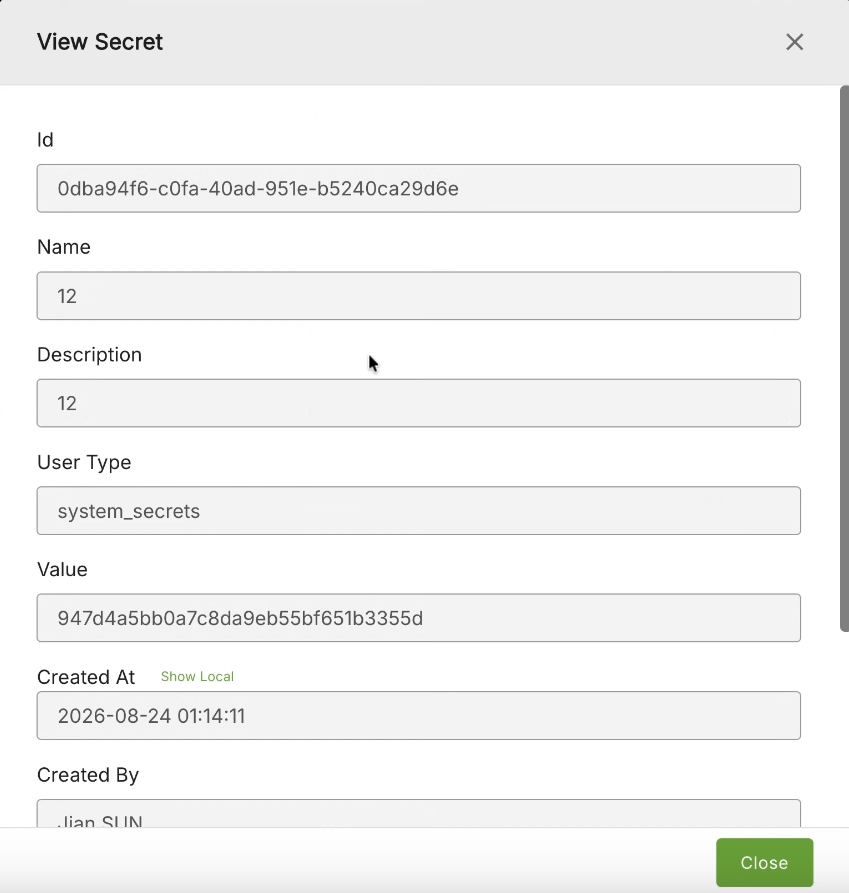
View secret
Click the View option to display the View secret modal window which displays all the information for a particular secret.
Figure: View Secret modal window