Exploring the IDE Extension
Now that you are set up with the Twinit IDE Extension, take a moment to familiarize yourself with the different panels it offers.
IDE Extension Panels
Projects, Scripts & Configs Panel

The Projects, Scripts, & Configs panel provides access to all project commands such as 'Create New Project', all script commands like those you use to create and run scripts, and all user config and api configs used to configure services on Twinit.
It also contains the main menu for the IDE Extension with commands for signing in and out of Twinit.
AI Service Panel

The AI Service panel gives you easy access to create and modify your Twinit AI Agents, Tools, Knowledgebases and Teams.
File Service Panel

The File Service panel gives you a view into the Twinit File Service folders and files, including the ability to upload and download files.
Item Service Panel

The Item Service panel allows you to view and manage your Item Service data including your collections of data and your schemas.
Support Center Panel
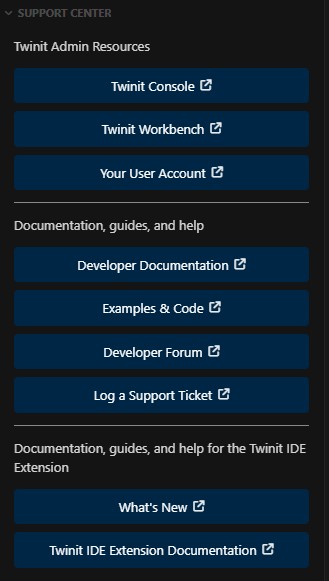
The Support Center panel provides easy access to the Twinit Console and Workbench apps, your user account, and helpful resources on twinit.dev, the open-source repo, and the digitaltwin-factory community.